

Introduction
You meet a potential client. The conversation goes well. Then you hand over a business card that looks outdated or poorly designed. First impressions matter, and your card speaks before you do.
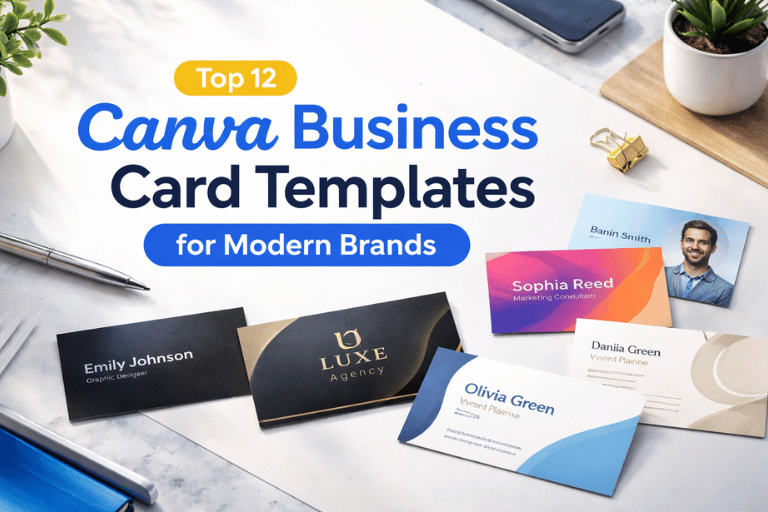
This guide is for entrepreneurs, freelancers, startups, and small business owners who want a clean and modern brand image without hiring a designer. If you are looking for the Top 12 Canva Business Card Templates, this article will help you choose the right style and use it properly.
You will learn what they are, why they matter, when to use them, and how to customize them step by step.
What Is Canva Business Card Templates?
Canva business card templates are ready-made card designs available inside Canva. They help you create professional business cards without starting from scratch.
You choose a template.
Edit your name, logo, colors, and contact details.
Download and print.
That’s it.
No design skills required.
These templates are created by professional designers and follow standard print sizes.
Official Canva Website: https://www.canva.com
Why You Need It?
A business card is not just contact information.
It represents your brand.
Here’s what a good template solves:
- Saves design time
- Avoids layout mistakes
- Keeps spacing and alignment correct
- Makes your brand look professional
- Works for print and digital sharing
Who benefits?
- Freelancers
- Coaches
- Real estate agents
- Startup founders
- Marketing agencies
- Small shop owners
If your brand looks modern, people trust you faster.
When to Use It?
Use Canva business card templates when:
1. You’re Launching a New Brand
You need quick branding materials.
2. You Attend Networking Events
Conferences, meetups, exhibitions.
3. You Rebrand Your Business
New logo? New colors? Update your card too.
4. You Want Digital Business Cards
You can export as PDF or image and share online.
When Not to Use It?
Canva templates may not be ideal if:
- You need highly custom illustrations
- You require special print finishes like embossing guides
- You want fully unique artwork
In such cases, hiring a designer may be better.
But for 90% of small businesses, Canva works perfectly.
Top 12 Canva Business Card Templates for Modern Brands
Now let’s explore the best styles.
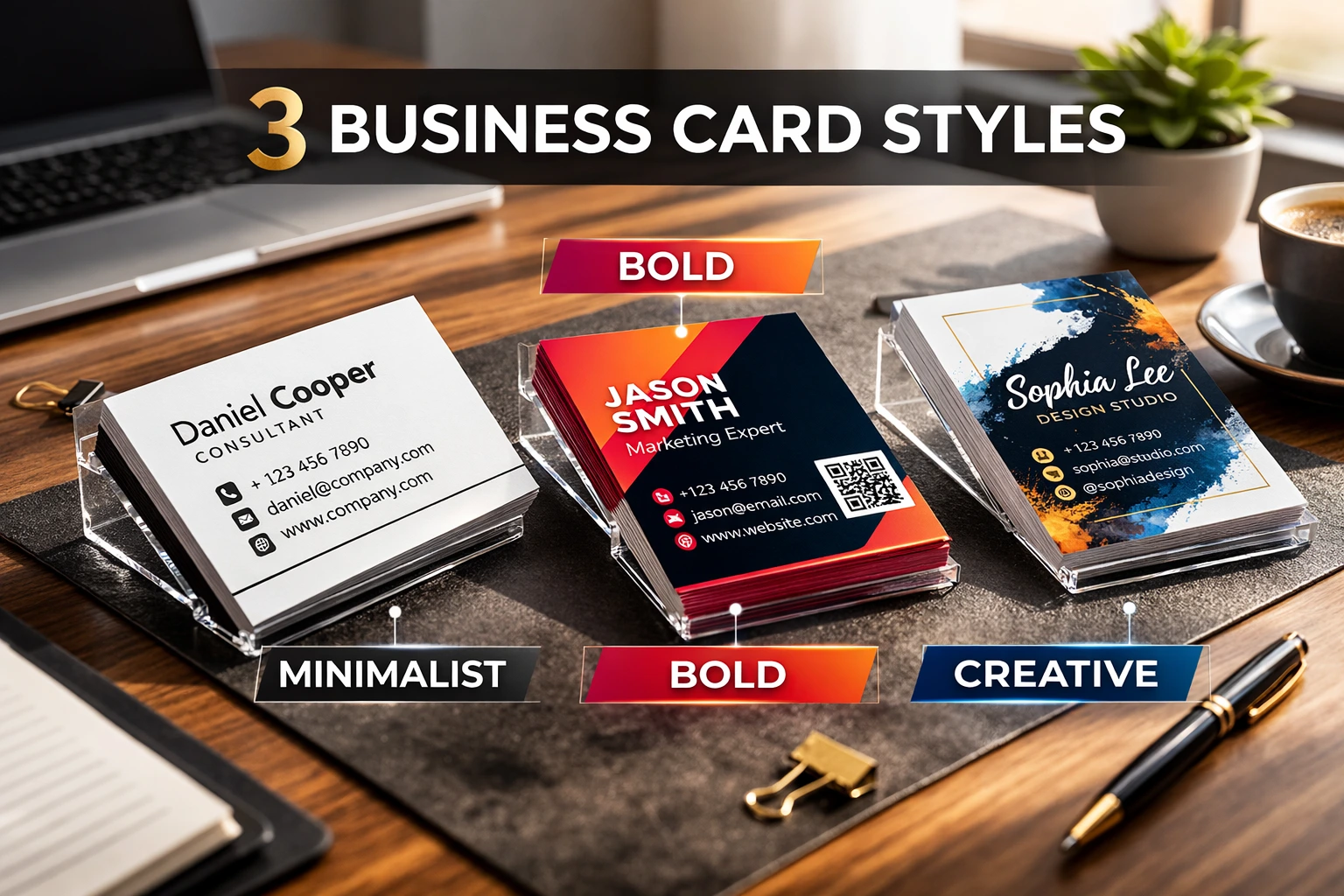
1. Minimalist Black & White Template
Clean typography.
Lots of white space.
Simple contact details.
Perfect for:
- Consultants
- Lawyers
- Corporate professionals
It looks serious and trustworthy.
2. Bold Color Block Design
Bright background.
Large name typography.
Strong contrast.
Perfect for:
- Creative agencies
- Social media managers
- Designers
It grabs attention instantly.
3. Modern Gradient Business Card
Soft color gradients.
Rounded shapes.
Clean font pairing.
Good for:
- Tech startups
- App developers
- Digital marketers
It feels modern and fresh.
4. Luxury Gold Accent Template
Dark background.
Gold typography style.
Elegant layout.
Best for:
- Beauty brands
- High-end services
- Fashion consultants
Looks premium without being complicated.
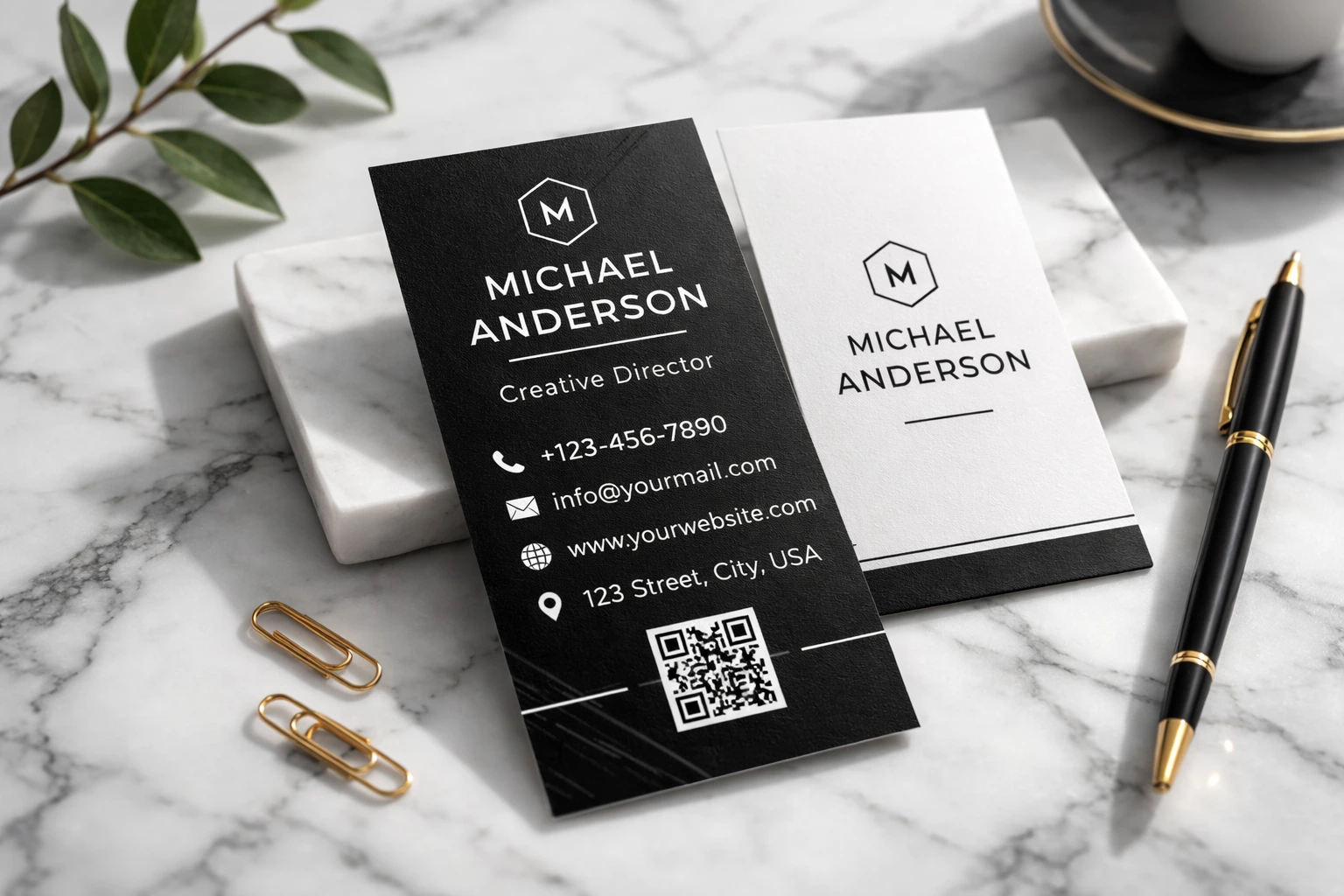
5. Vertical Business Card Layout
Tall format.
Unique orientation.
Modern spacing.
Best for:
- Creative entrepreneurs
- Influencers
- Personal brands
It stands out in a stack of horizontal cards.
6. QR Code Business Card
Includes scannable QR code.
Links to website or portfolio.
Perfect for:
- Freelancers
- Digital creators
- Event speakers
People can scan instead of typing.
7. Photo Background Template
Large profile image.
Transparent overlay text.
Best for:
- Real estate agents
- Fitness trainers
- Makeup artists
It builds personal connection.
8. Soft Pastel Business Card
Light tones.
Modern serif fonts.
Elegant spacing.
Ideal for:
- Wedding planners
- Boutique owners
- Lifestyle coaches
Calm and friendly look.
9. Corporate Blue Template
Professional layout.
Logo aligned left.
Simple contact block.
Works for:
- IT companies
- Finance firms
- Corporate teams
Safe and professional.
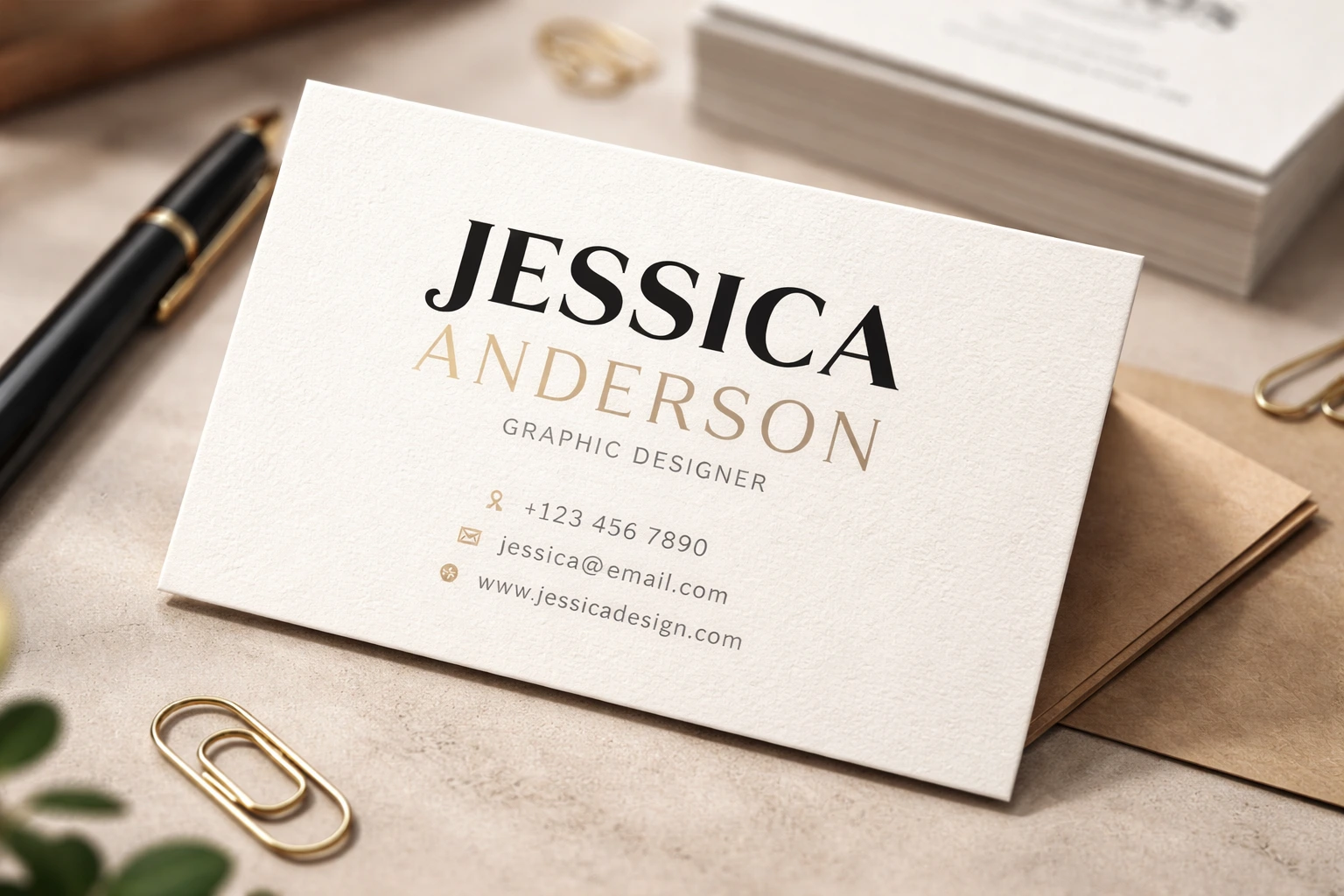
10. Creative Typography Focus
Big name headline.
Minimal contact info.
Unique font pairing.
Best for:
- Graphic designers
- Writers
- Artists
It highlights personality.
11. Double-Sided Modern Layout
Front: Logo
Back: Contact details
Gives clean separation.
Good for:
- Agencies
- Premium services
- Established brands
12. Minimal Logo-Centered Template
Large centered logo.
Small details at bottom.
Perfect for:
- Brand-focused companies
- Product businesses
Simple but strong identity.
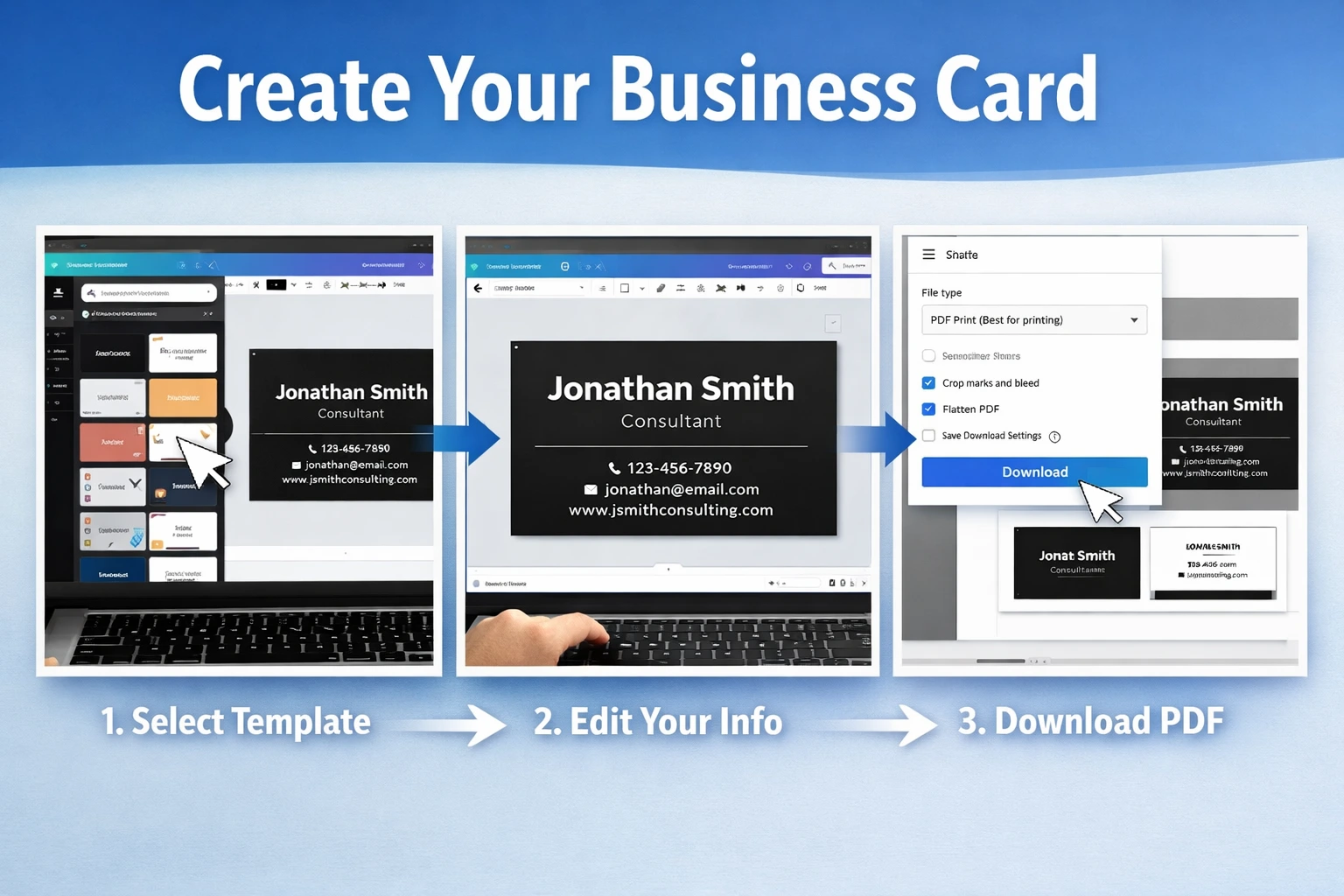
How to Use Canva Business Card Templates (Step-by-Step)
- Go to Canva.com
- Search “Business Card Templates”
- Select preferred size (usually 3.5 x 2 inches)
- Choose a template
- Replace name, title, phone, email
- Upload your logo
- Adjust brand colors
- Check spacing carefully
- Download as PDF Print
- Use high-quality printing paper
Keep margins safe.
Avoid too much text.
Free vs Paid Templates
| Feature | Free Version | Paid Version |
|---|---|---|
| Basic Templates | Yes | Yes |
| Premium Designs | Limited | Full Access |
| Brand Kit | No | Yes |
| Transparent Export | Limited | Yes |
| Custom Fonts | Limited | Yes |
Paid version gives more flexibility.
Official pricing info:
https://www.canva.com/pricing/
Before vs After Using Templates
| Without Template | With Canva Template |
|---|---|
| Poor alignment | Clean layout |
| Random fonts | Balanced typography |
| Low trust | Professional look |
| Hard to print | Print-ready format |
Benefits of Using Canva Business Card Templates
- Saves money
- No design skills needed
- Quick editing
- Professional layouts
- Easy rebranding
- Print-ready files
- Digital sharing option
- Customizable fonts and colors
Simple and practical.
Read Also: Top 10 Canva Tools for Instagram Reels
Why Canva is Trusted?
- Canva is trusted by millions of users worldwide.
- Used by small businesses and large companies.
- Templates designed by professional designers.
- Print sizes follow global standard dimensions.
Reliable and widely used platform.
Frequently Asked Questions
1. Are Canva business card templates free?
Yes, many templates are free. Some premium designs require Canva Pro.
2. What is the standard business card size?
The most common size is 3.5 x 2 inches in the US.
3. Can I add my logo?
Yes. You can upload your logo and place it anywhere.
4. Can I print directly from Canva?
Yes. Canva offers printing services in selected regions.
5. Should I use both sides of the card?
If you have more information, yes. It keeps the front clean.
6. Can I add a QR code?
Yes. Canva has built-in QR code generator.
7. Which format should I download for printing?
Download as PDF Print for best quality.
8. Are vertical cards professional?
Yes. If designed cleanly, they look modern and unique.
9. Can I customize fonts?
Yes, but some premium fonts require Pro version.
Conclusion
A business card is small. But its impact is big.
With the Top 12 Canva Business Card Templates, you can create a clean and modern card in minutes. No complicated tools. No design confusion.
Choose the template that matches your brand personality. Keep it simple. Use proper spacing. Print on quality paper.
Start designing today and give people something worth remembering.
Explore your best Canva templates here.
Leave a Reply