


Introduction
Many teachers, parents, and digital sellers want to create children’s storybooks. But designing a story from scratch feels overwhelming. You need layouts, characters, fonts, colors, and printable formatting. Not everyone is a designer.
This is where kids story Canva template ideas become powerful. With Canva, you can create editable children’s storybooks without advanced design skills. Whether you are a teacher making worksheets, a parent creating bedtime stories, or a seller building digital products for Etsy, the right template can save hours.
In this complete guide, you will learn creative kids story Canva template ideas, how to design them step by step, how to sell them online, and how to avoid common mistakes.
What Are Kids Story Canva Templates?
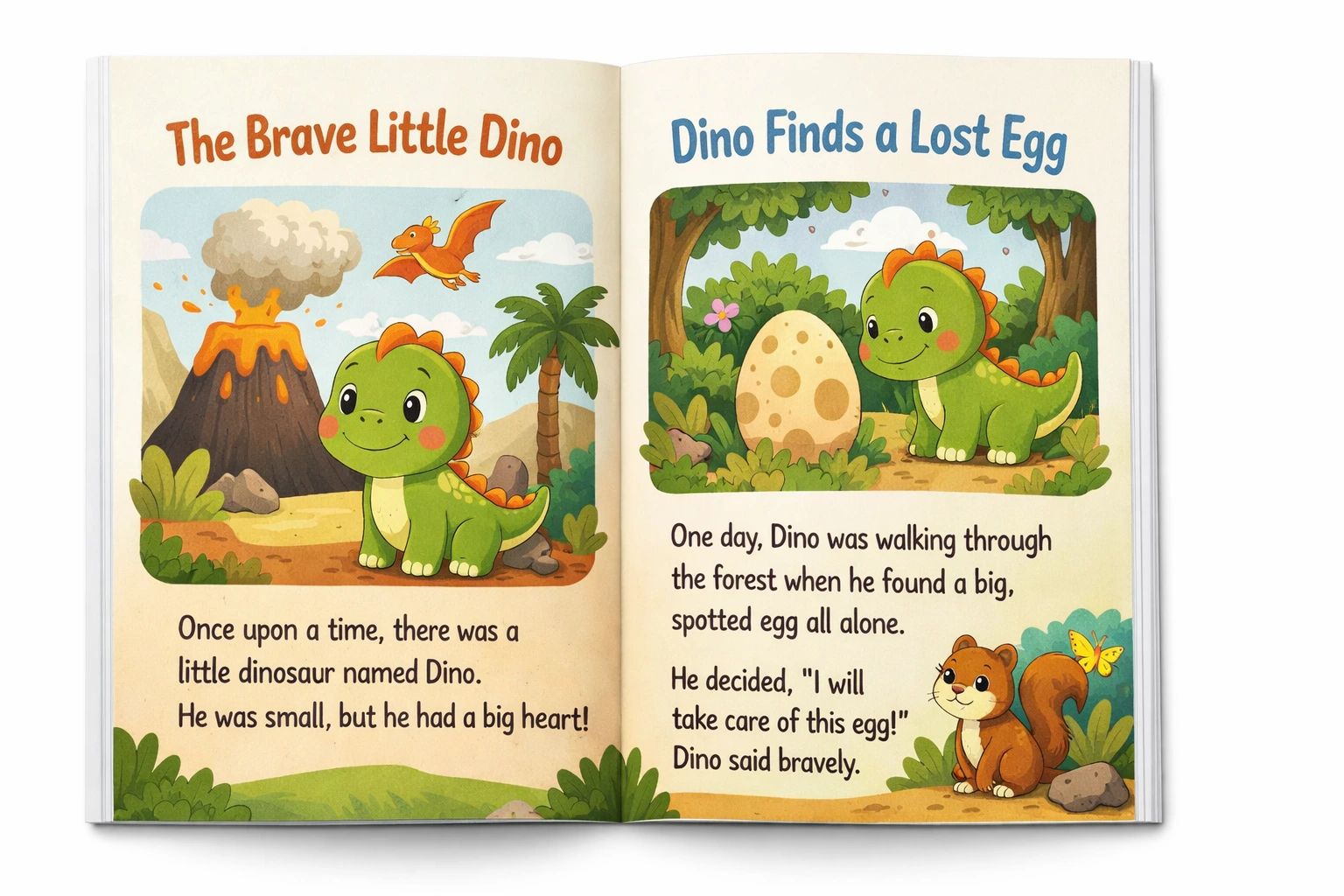
Kids story Canva templates are pre-designed storybook layouts that you can edit inside Canva.
They usually include:
- Cover page design
- Story page layouts
- Illustration placeholders
- Child-friendly fonts
- Consistent color palettes
Instead of designing everything from zero, you start with a structured base.
There are two main types:
1. Printable Story Templates
Designed for PDF export and printing.
2. Digital Interactive Story Templates
Designed for screen reading or simple digital flipbooks.
Why Kids Story Templates Are in High Demand
The demand for educational and creative digital products has grown fast.
Homeschooling has increased worldwide. According to UNESCO education reports, digital learning materials are becoming more common in home education environments. Parents want customizable resources.
At the same time, marketplaces like Etsy show strong demand for printable learning materials. You can explore seller trends inside the Etsy Seller Handbook:
https://www.etsy.com/seller-handbook
Kids story templates fit perfectly into this demand.
Let’s compare:
| Physical Storybook | Digital Story Template |
|---|---|
| Fixed content | Fully editable |
| Expensive to print | Low production cost |
| Hard to personalize | Easy name customization |
| Inventory required | Instant digital delivery |
Digital templates offer flexibility and lower cost.
25 Creative Kids Story Canva Template Ideas
This is the core section. These ideas can be used for personal projects or digital products.
Educational Story Templates
-
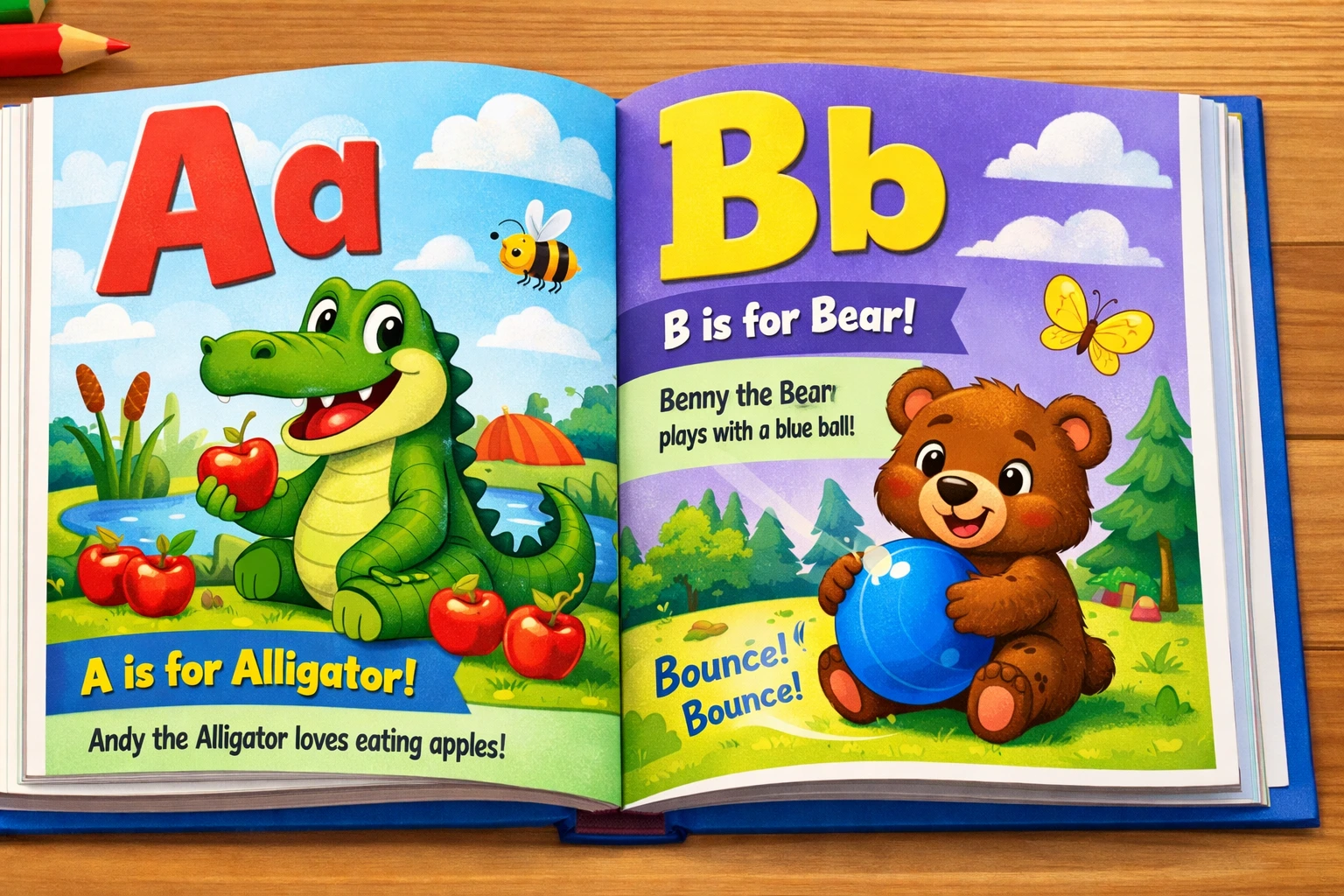
Alphabet Adventure Story
Each page focuses on one letter with a short story and illustration. -
Counting with Animals
Numbers combined with animal characters. -
Moral Value Stories
Kindness, honesty, sharing. -
Science Mini Stories
Simple stories explaining planets, weather, or plants. -
History for Kids Stories
Short simplified historical events.
Fantasy and Adventure Themes
-
Magical Forest Story
Talking animals and fairy elements. -
Space Explorer Adventure
Child astronaut discovering planets. -
Underwater Kingdom
Mermaids and sea creatures. -
Superhero Kid Story
Customizable hero name and powers. -
Dinosaur Discovery Story
Educational but fun prehistoric journey.
Bedtime Story Templates
-
Calm Pastel Bedtime Story
Soft colors and gentle illustrations. -
Short 5-Minute Bedtime Story
Designed for quick nightly reading. -
Parent and Child Bonding Story
Editable family names included. -
Dream Journey Story
Creative dream adventure.
Personalized Story Templates
-
Add Your Child’s Name Story
Editable name fields on every page. -
Birthday Storybook Template
Custom birthday message and photos. -
First Day of School Story
Personalizable for children. -
Family Adventure Story
Insert family photos into layout.
Personalization increases product value.
Activity-Based Story Templates
-
Story + Coloring Page
Each story page followed by coloring sheet. -
Story + Puzzle Activity
Crossword or word search after story. -
Story + Writing Prompt
Encourages kids to continue the story. -
Story + Matching Game
Educational interactive element.
Niche-Specific Story Templates
-
Islamic Kids Story Template
Religious values-based story. -
Christian Bible Story Template
Editable scripture-based layout. -
Emotional Intelligence Story
Teaches feelings and communication.
These niche templates can perform well in specific markets.
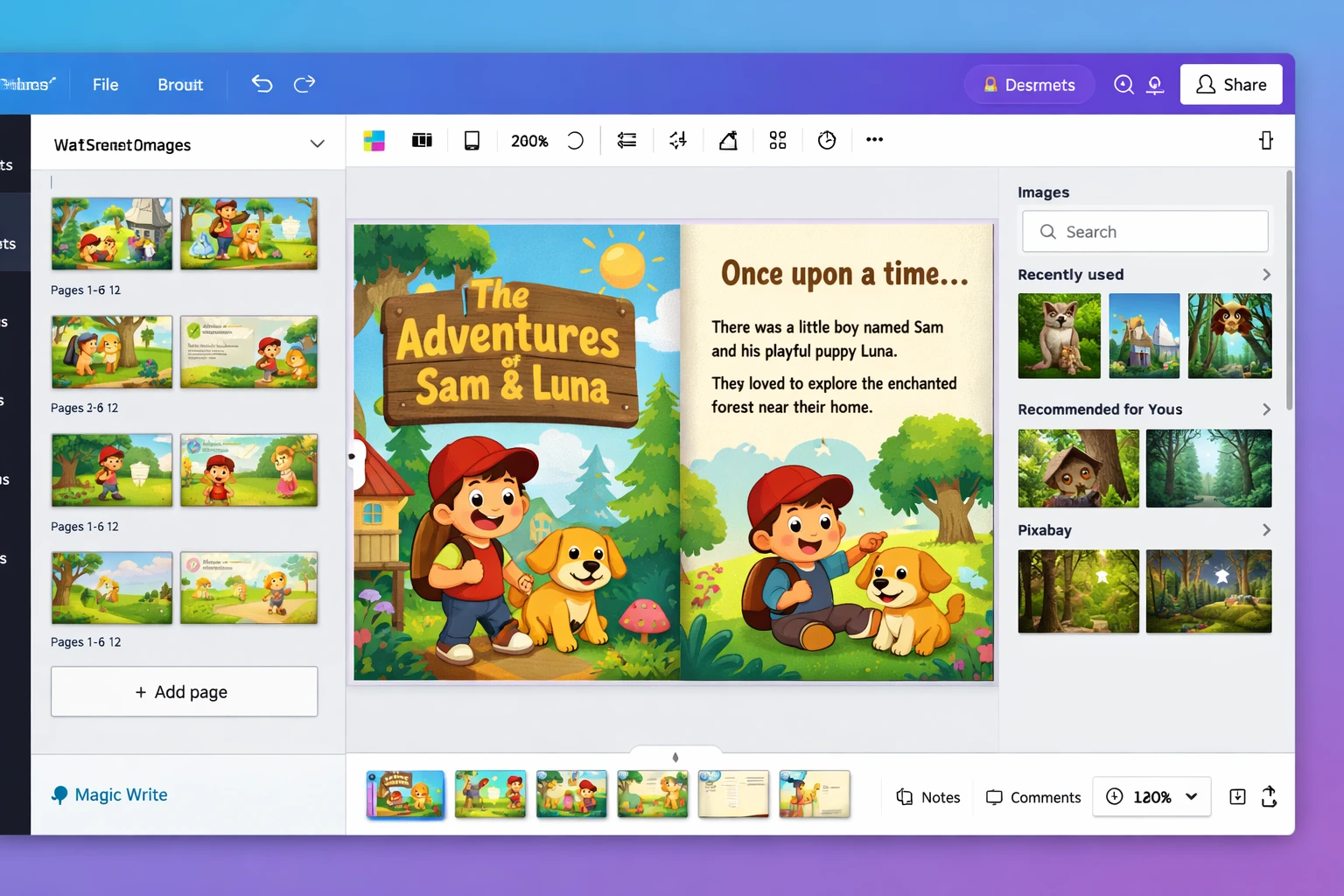
How to Create a Kids Story Template in Canva (Step-by-Step)
Here is a simple process.
- Open Canva.com
- Choose “Book” or “A4 Document” layout
- Set consistent color palette
- Create cover page first
- Design 2–3 page layout styles
- Insert illustration placeholders
- Add child-friendly fonts
- Maintain large readable spacing
- Test print margins
- Export as high-quality PDF
You can learn more about Canva features here:
https://www.canva.com/
Keep designs simple. Do not overcrowd pages.
When to Use Kids Story Canva Templates
Kids story templates are ideal when:
- You are a teacher creating classroom material
- You sell printables on Etsy
- You want personalized story gifts
- You create homeschool resources
- You build PLR digital products
If you are planning to sell them, read this guide:
https://pixbundle.com/blog/how-to-sell-digital-products-online
Templates reduce production time.
When Not to Use Canva Templates
Canva is powerful, but not perfect.
Avoid Canva if:
- You are publishing a commercial printed novel
- You need advanced illustration layering
- You require complex animation
- You need advanced typography control
In those cases, professional design software may be better.
Selling Kids Story Canva Templates Online
Selling story templates can be profitable if done correctly.
You can sell on:
- Etsy
- Shopify
- Gumroad
We explain platform comparison here:
https://pixbundle.com/blog/gumroad-vs-etsy-vs-shopify-for-digital-downloads
Steps to Sell
- Create clean template
- Duplicate pages for multiple stories
- Write clear instructions for buyers
- Export preview images
- Create mockups
- Optimize product title and tags
- Upload to marketplace
Packaging matters.
You can explore ready-made Canva bundles Click Here
Common Mistakes Beginners Make
- Using too many fonts
- Poor contrast colors
- Tiny unreadable text
- Overcrowded layouts
- Forgetting bleed margins
- Not testing printable version
- Copying competitors directly
Keep layout clean.
Children need visual clarity.
Benefits of Using Canva for Kids Story Templates
✔ Beginner friendly
✔ Browser-based
✔ No heavy software
✔ Easy drag and drop
✔ Fast duplication of pages
✔ Affordable pricing
✔ Works on mobile
✔ Instant PDF export
✔ Collaboration friendly
Canva removes technical barriers.
How to Make Your Kids Story Templates Stand Out
- Choose consistent character style
- Limit color palette to 3–4 colors
- Use large readable fonts
- Maintain spacing
- Add cover mockup
- Include usage instructions
- Provide multiple story versions
Small improvements increase trust.
FAQ
Are kids story Canva templates profitable to sell?
Yes, especially in educational and printable niches. Demand is steady.
Can I sell Canva story templates on Etsy?
Yes, but check Canva licensing rules before resale.
Do I need Canva Pro to create story templates?
Free version works, but Pro offers more design elements.
What size should children’s storybooks be?
A4 and US Letter are common. Square formats also work.
How many pages should a kids story template have?
8 to 20 pages is common for digital storybooks.
Can I add personalized names in Canva?
Yes, you can create editable text fields for names.
Are Canva elements allowed for resale?
Some are allowed with modification. Always check licensing.
What fonts are best for children?
Simple sans-serif fonts with large spacing.
Can I bundle multiple story templates?
Yes, bundles often increase value and average order price.
Is selling digital story templates passive income?
It can become semi-passive once product is optimized.
Final Thoughts
Kids story Canva template ideas offer strong opportunity for creators, teachers, and digital sellers.
They are easy to design.
They are in demand.
They require low startup cost.
If you structure them correctly, they can become valuable digital products.
Start small.
Create one clean story template.
Improve based on feedback.
If you want ready-made Canva bundles to speed up your process, explore the collection here:
https://pixbundle.com/collection
Build smart.
Keep designs simple.
Focus on value for children and parents.
That is how you grow sustainably.
Leave a Reply