


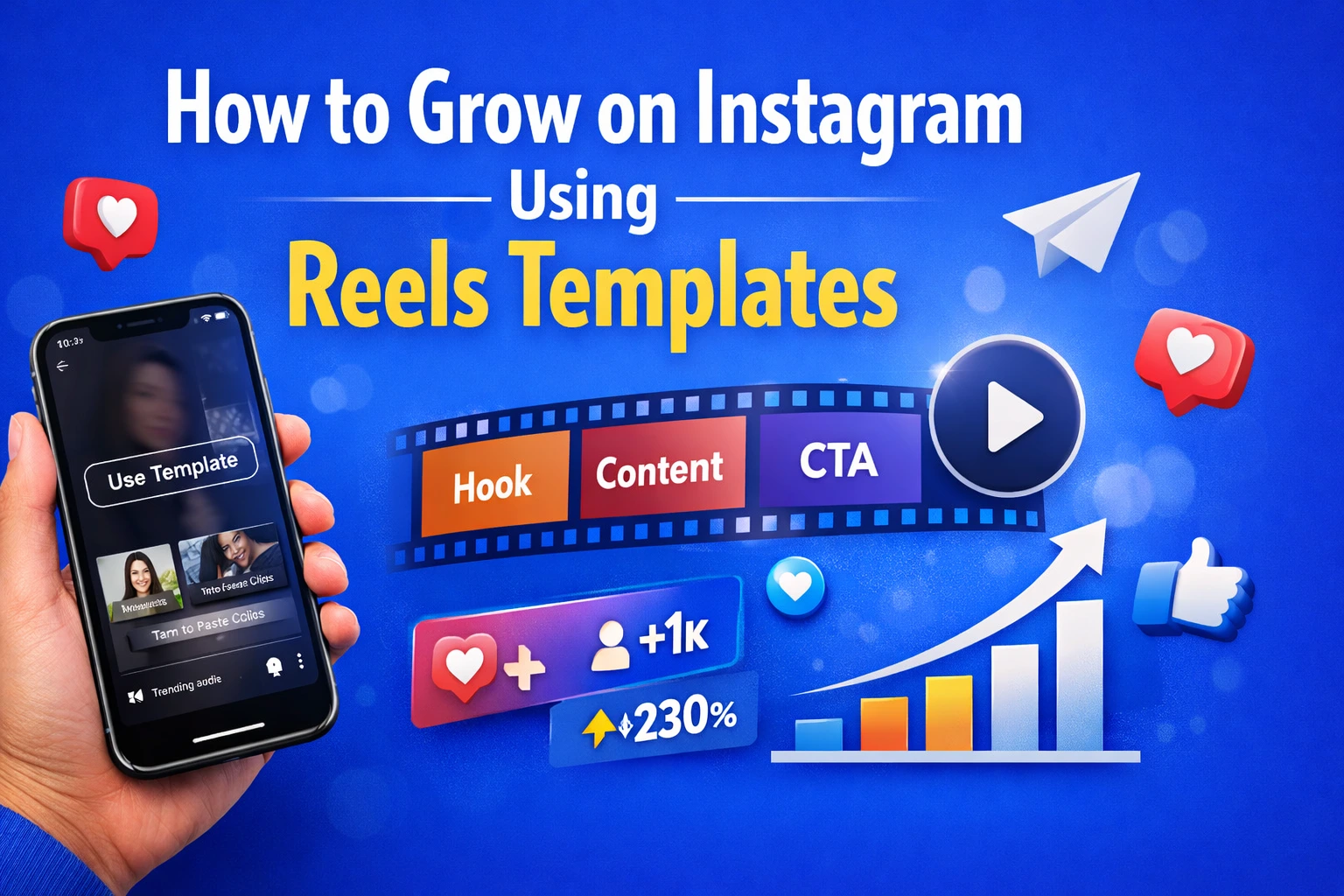
Introduction
Struggling to grow on Instagram even after posting regularly? You are not alone. Many creators, small business owners, and freelancers post daily but see little engagement. The problem is not effort. It is structure.
If you want to grow on Instagram using Reels templates, you need a repeatable content system. Templates help you create scroll-stopping videos faster without guessing what works. In this guide, you will learn exactly how to use Reels templates to increase reach, save time, and grow consistently.
No complicated strategy. Just practical steps.
What Is Instagram Using Reels Templates?
Instagram using Reels templates means using pre-designed video structures to create short-form content faster and more consistently.
Instead of starting from scratch, you use a ready-made format that includes:
- Pre-set transitions
- Timed text placement
- Trending audio alignment
- Structured storytelling flow
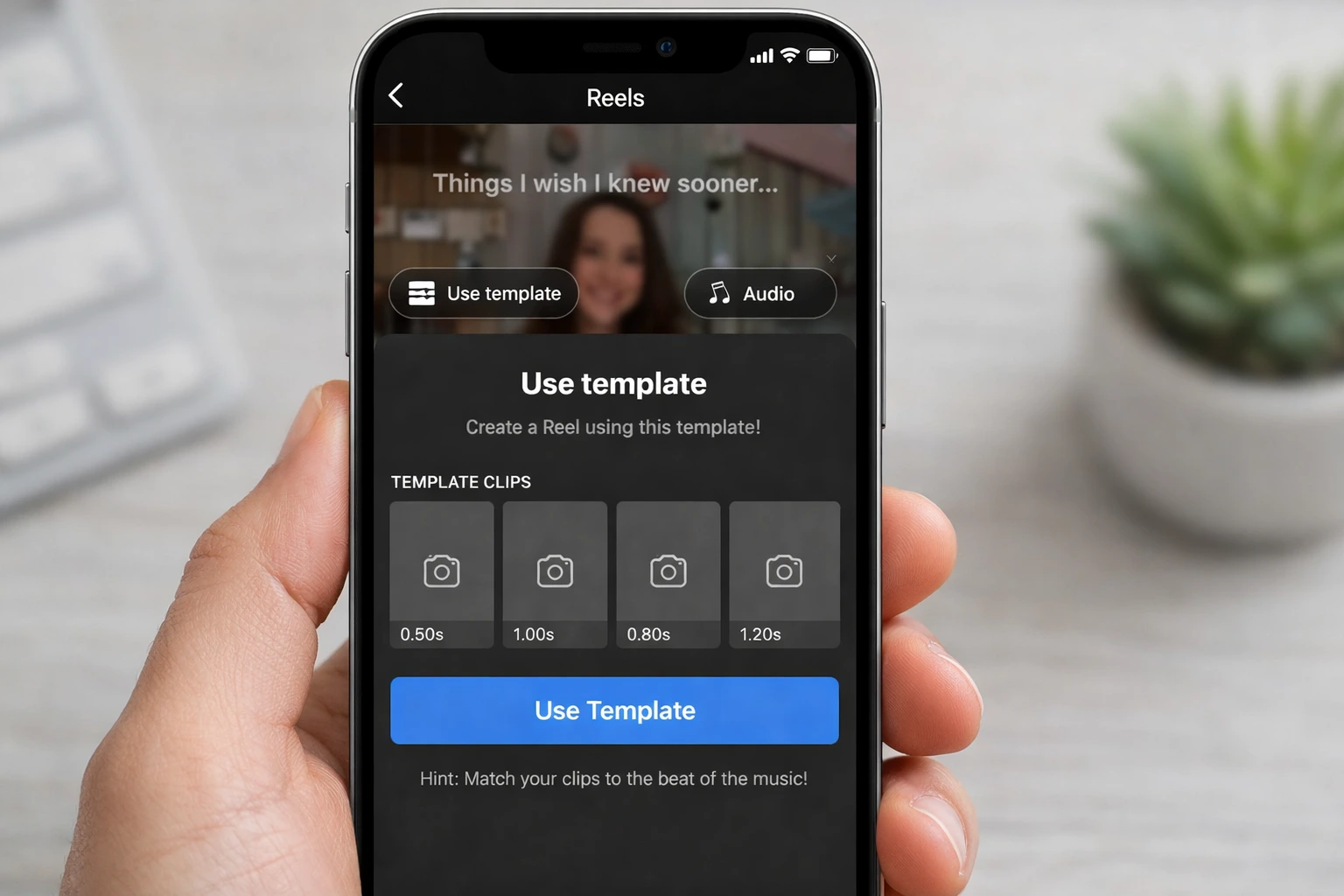
Instagram itself provides a Reels template feature inside the app. You can also use tools like Canva or CapCut to create template-based videos.
Official Instagram Reels guide: https://help.instagram.com/
Templates remove guesswork. You focus on message. The format is already proven.
Why You Need It?
Creating Reels manually every time takes effort.
You think about:
- What hook to use
- What transition to add
- Where to place text
- Which audio to choose
Templates solve this.
Problems it solves:
- Inconsistent posting
- Low reach
- Slow content production
- Creative burnout
- Poor structure
Who benefits?
- Small business owners
- Coaches
- Digital product sellers
- Influencers
- Freelancers
- Social media managers
If you sell Canva templates, digital products, or creative assets, Reels templates can boost visibility naturally.
For example, if you sell Instagram design templates like those on PixBundle, Reels can drive traffic to your product pages.
👉 Read more: Top 15 Invoice Template Canva Designs for Small Businesses
When to Use It?
Reels templates work best in specific situations.
1. Product Launch
Use a before-after style template.
2. Educational Content
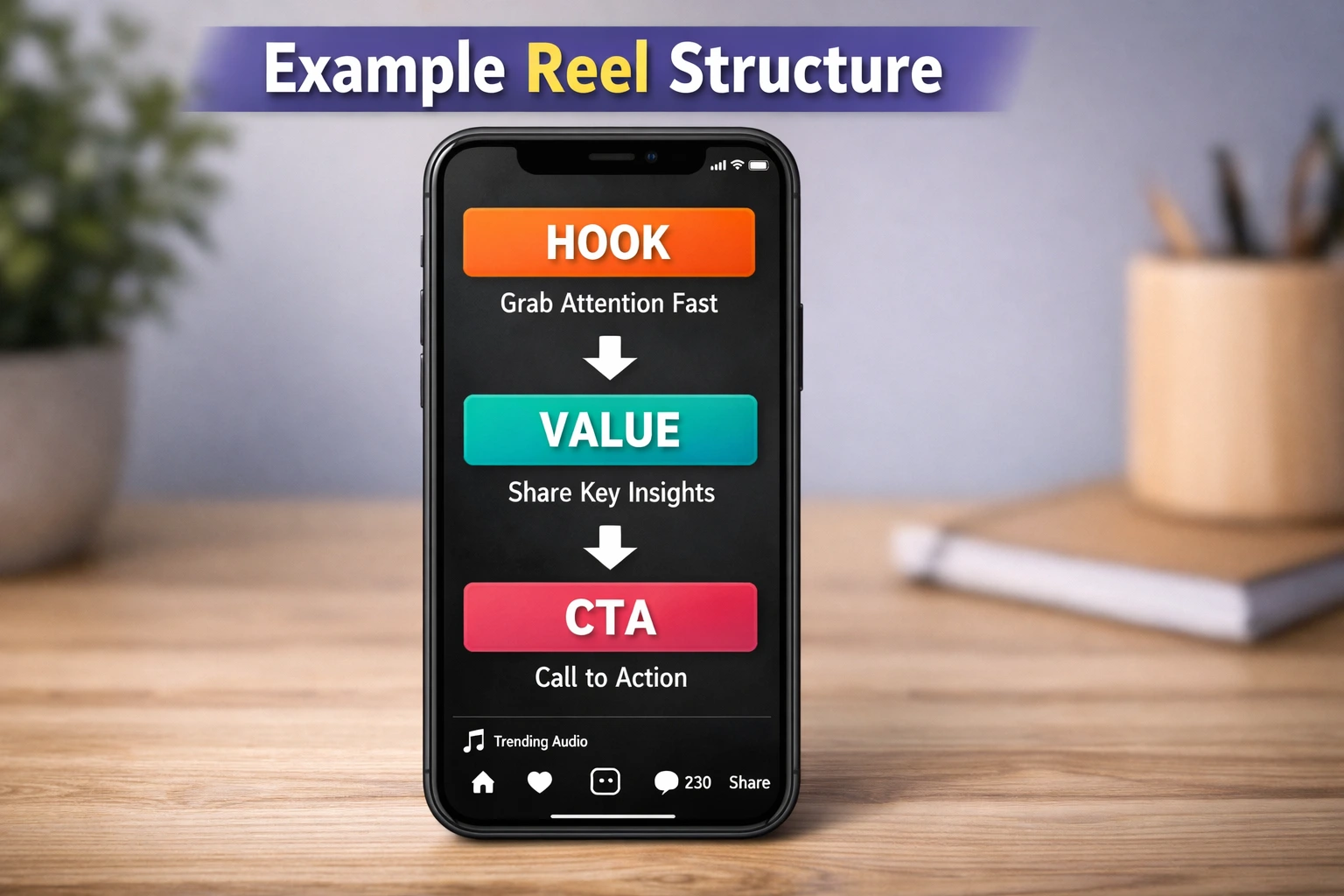
Use hook + problem + solution template.
3. Showcasing Portfolio
Use slideshow template with timed transitions.
4. Trending Audio Format
Use viral template to jump on trends quickly.
5. Limited Time Offer
Use countdown-style template.
When Not to Use It?
Templates are powerful. But not always ideal.
Avoid templates when:
- You want raw storytelling
- You are sharing personal emotional content
- You need custom editing
- Your brand style is highly unique
Templates create structure. But overusing the same template repeatedly can make content look repetitive.
Balance is important.
How to Grow on Instagram Using Reels Templates (Step-by-Step)
This is where strategy matters.
Step 1: Identify Your Content Goal
Choose one:
- Grow followers
- Get website clicks
- Promote product
- Build authority
Do not mix everything in one Reel.
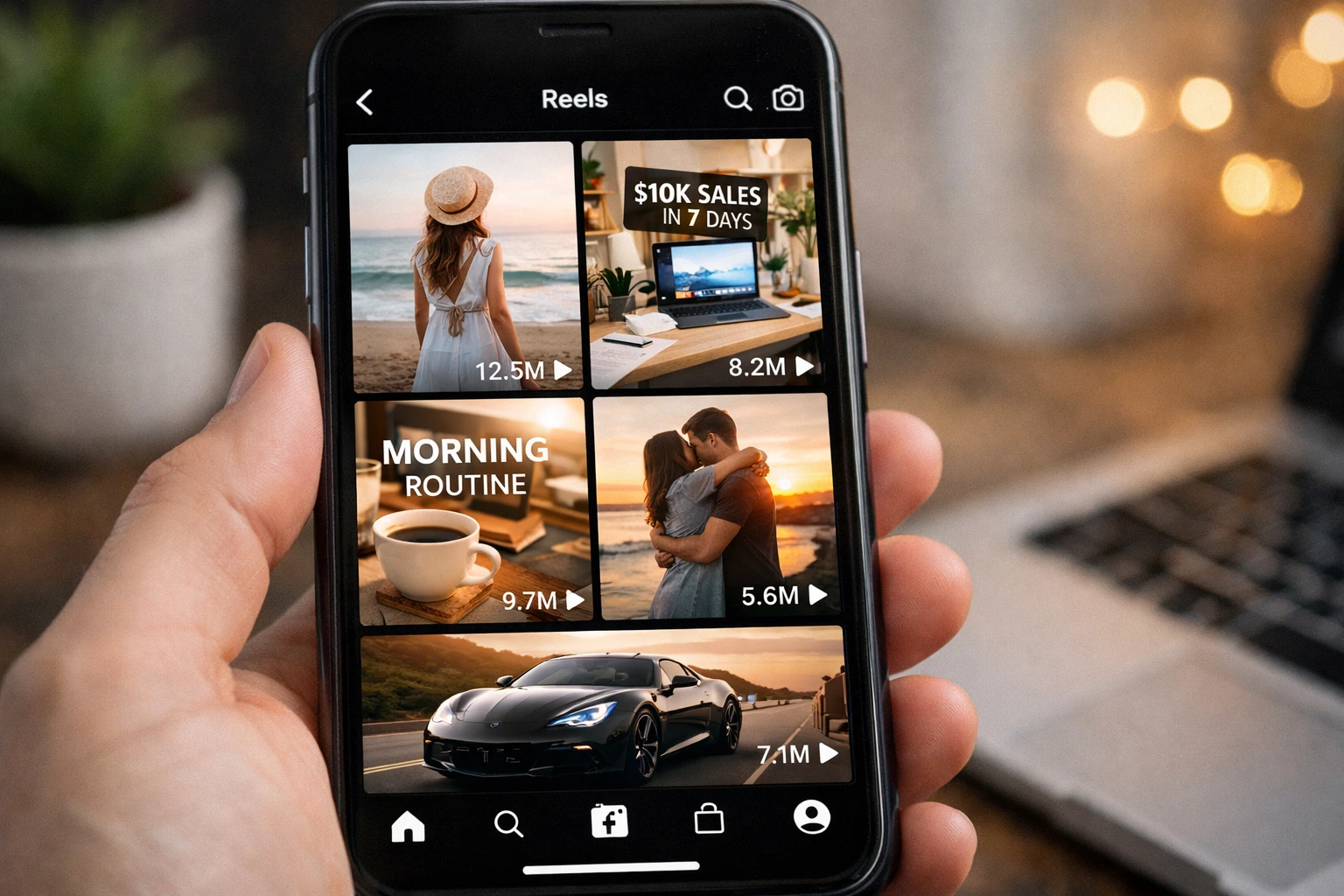
Step 2: Find High-Performing Templates
Go to Reels.
Tap three dots.
Select “Use Template”.
Look for:
- High views
- Recent posts
- Relevant niche
Save 5–10 templates.
Step 3: Replace Content Smartly
Do not copy blindly.
Instead:
- Replace visuals with your own brand images
- Change text to match your niche
- Keep structure same
Example:
If template says:
“POV: You finally start your business”
You can adapt:
“POV: You finally start selling digital templates”
Step 4: Optimize Hook (First 3 Seconds)
Your growth depends on retention.
Strong hook ideas:
- Stop scrolling
- If you run a small business, watch this
- No one talks about this Instagram trick
- This doubled my engagement
Keep it short.
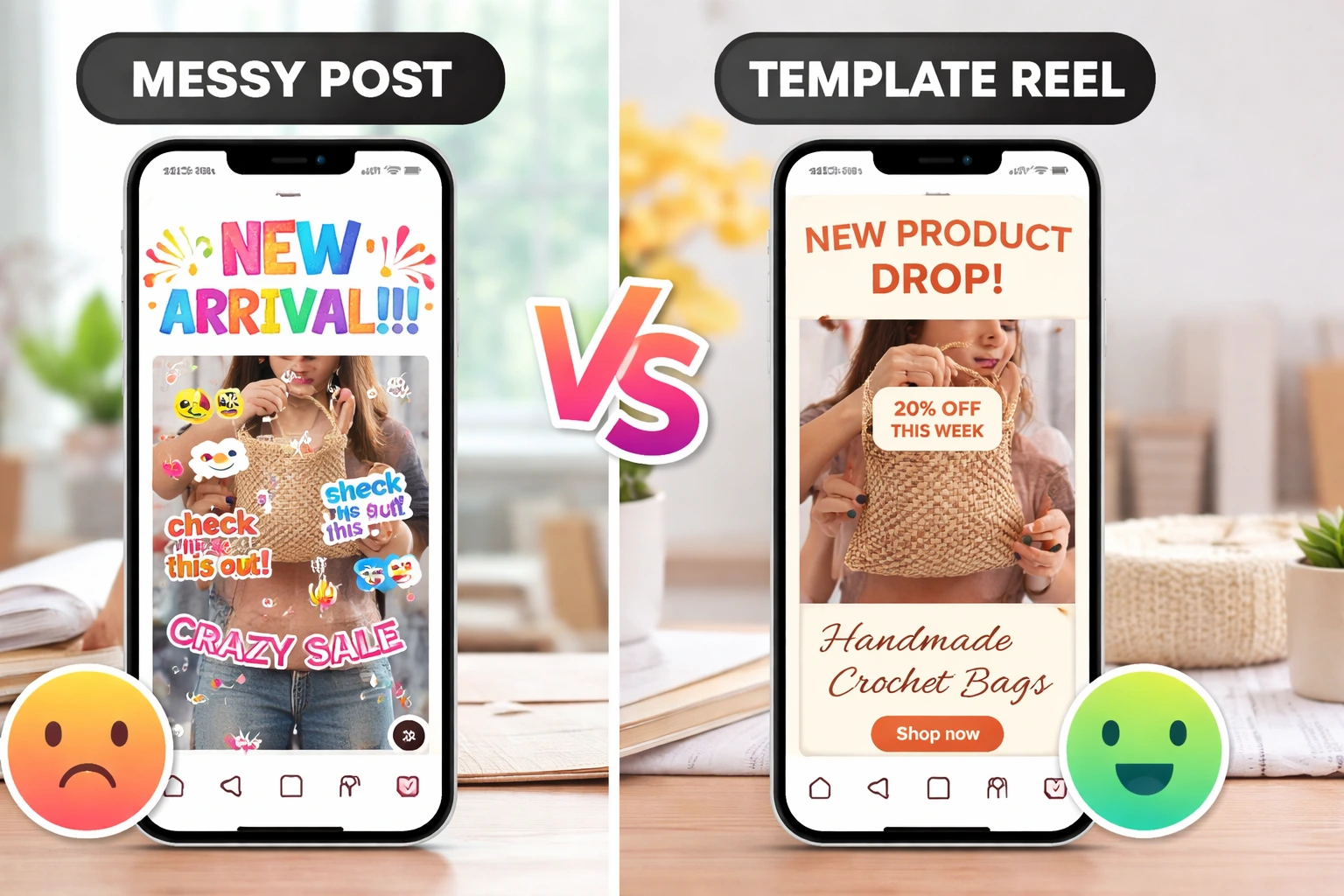
Step 5: Add Clear Text Overlays
Many users watch without sound.
Add:
- Headline
- 2–3 supporting lines
- Simple CTA
If you design visually appealing templates like Canva social packs, highlight transformation.
Step 6: Add Strong CTA
Examples:
- Save this
- Follow for more
- Link in bio
- Comment “Guide”
Do not leave Reel without direction.
Step 7: Post Consistently
Use 3–5 template formats.
Rotate them weekly.
Consistency builds familiarity.
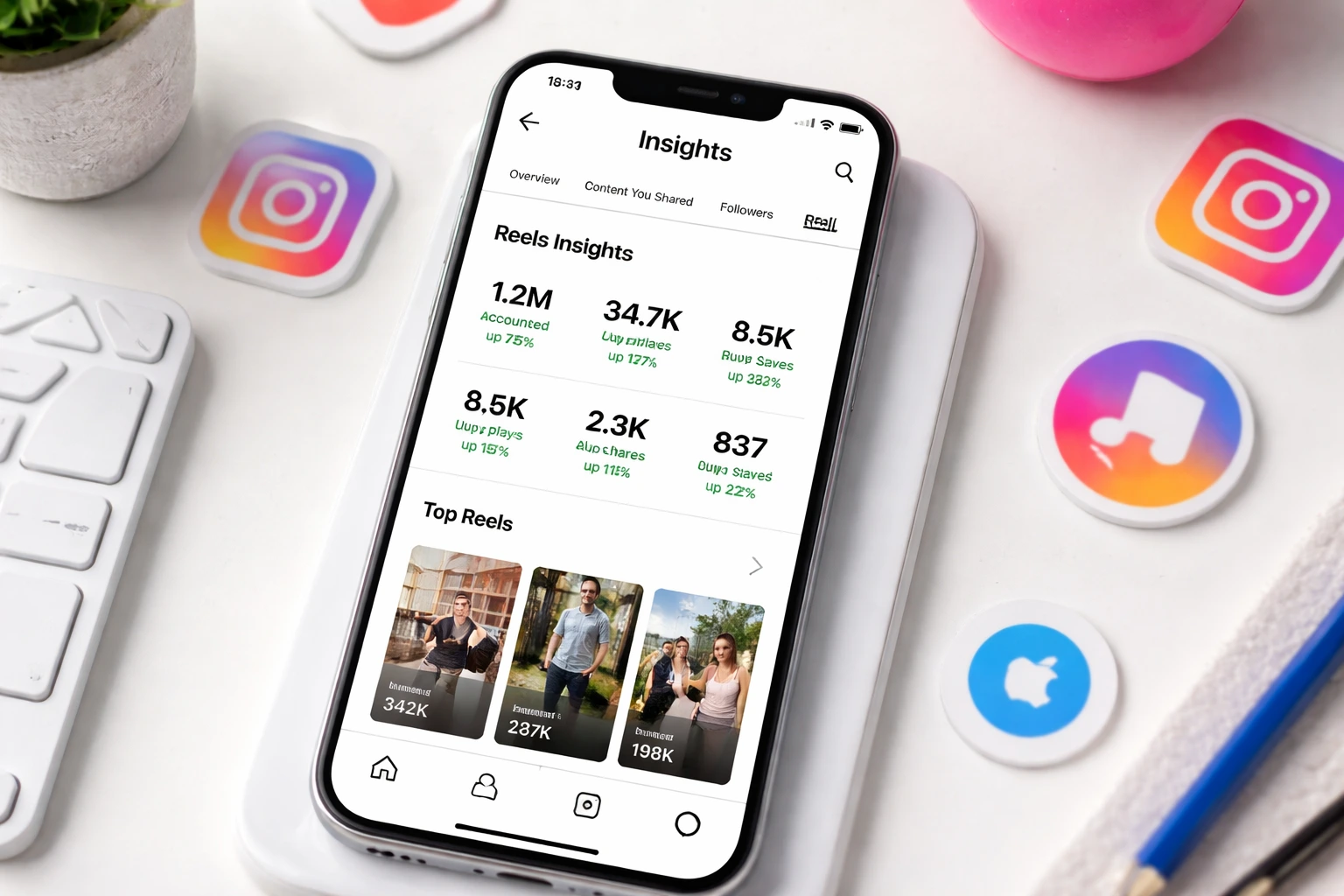
Step 8: Analyze Performance
Check:
- Watch time
- Saves
- Shares
- Follows from Reel
Use Instagram Insights for tracking.
Official reference: https://business.instagram.com/
Comparison Table
Free vs Paid Reels Templates
| Feature | Free Templates | Paid Templates |
|---|---|---|
| Cost | Free | One-time or subscription |
| Customization | Limited | High |
| Branding | Basic | Fully customizable |
| Unique look | Low | High |
| Support | No | Yes |
Free is good to start.
Paid is better for brand consistency.
Before vs After Using Templates
| Before | After |
|---|---|
| Random posting | Structured content |
| Low retention | Higher watch time |
| Slow creation | Faster production |
| Inconsistent branding | Clear visual identity |
Templates improve efficiency.
Benefits of Growing with Reels Templates
- Saves time
- Reduces creative stress
- Improves consistency
- Boosts watch time
- Increases engagement
- Easier content planning
- Better storytelling
- Faster scaling
- Reusable formats
- Professional look
Short videos dominate Instagram.
Structured short videos perform better.
Trust Signals
Growing on Instagram using Reels templates is not a hack. It is a content system.
Instagram algorithm prioritizes:
- Watch time
- Shares
- Saves
- Consistency
Templates support all four.
According to Meta Business guidelines, short-form video is a major growth driver across platforms.
Real brands use template-based content calendars.
It is practical. Not trendy hype.
Learn more:
You can also explore:
👉 Top 15 Invoice Template Canva Designs for Small Businesses
👉 50+ Rare AI Tools You Must Know in 2026
👉 Top 10 Free AI Designer Apps for Instant Social Media
1. Do Reels templates really help grow followers?
Yes. They improve structure and retention. Better retention increases reach.
2. Are free Instagram templates enough?
For beginners, yes. But paid templates offer stronger branding and customization.
3. How many Reels should I post weekly?
3–5 quality Reels per week is a good starting point.
4. Can I reuse the same template multiple times?
Yes, but change visuals and messaging to avoid repetition.
5. Do trending audio templates work better?
Often yes. But relevance matters more than trend.
6. Should I use Canva for Reels templates?
Canva is useful for pre-designed video layouts and branding.
7. Can small accounts grow using templates?
Yes. Structure helps small accounts compete with larger creators.
8. What matters more, template or content?
Content message matters most. Template enhances delivery.
9. How long should a Reel be?
7–15 seconds for high retention. Educational Reels can be 20–30 seconds.
10. Do templates reduce creativity?
No. They reduce chaos. Creativity still comes from your message.
Conclusion
If you want consistent Instagram growth, stop guessing every time you create content.
Use structure.
When you grow on Instagram using Reels templates, you create faster, post smarter, and improve retention naturally.
Start with 3 template formats.
Test for 30 days.
Track performance.
Then scale what works.
Explore ready-made design resources or start building your own Reels system today.
Growth is not random. It is repeatable.
Leave a Reply