


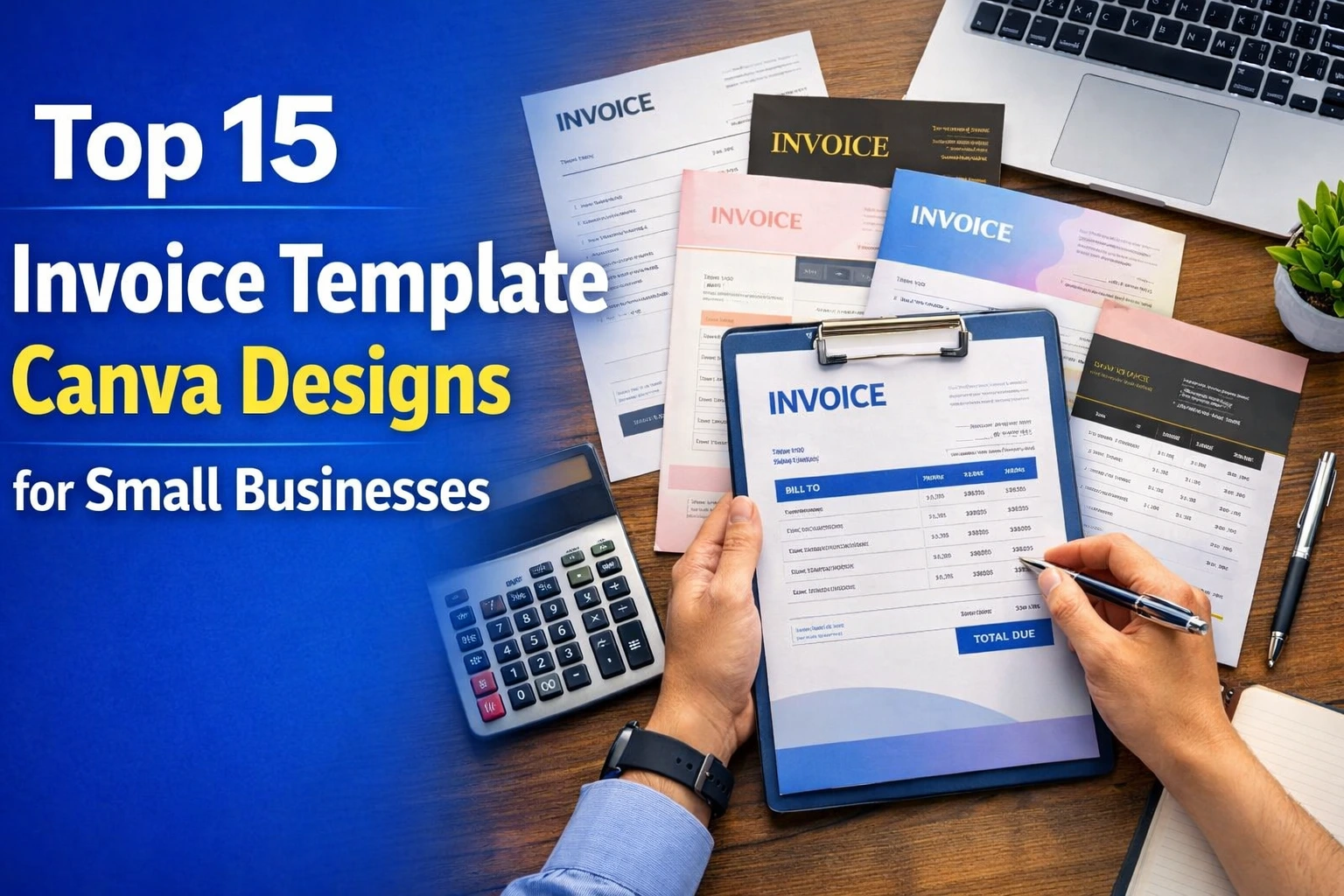
Running a small business is not easy. You send invoices, but clients delay payments. Sometimes your invoice looks unprofessional. Sometimes it misses details.
If you are a freelancer, startup owner, agency, consultant, or shop owner, this guide is for you.
Using the right invoice template Canva design can make your billing simple, clear, and professional. It helps you look serious and get paid faster.
In this article, you will discover the top 15 Canva invoice designs, when to use them, and how to choose the right one for your business.
What Is Invoice Template Canva?
An invoice template Canva is a ready-made invoice design available inside Canva.
You can edit it online.
You can change colors, logo, text, prices, and layout.
You do not need design skills.
It is a simple billing document template made visually attractive and easy to customize.
Canva provides both free and paid invoice templates. You can access them here:
👉 https://www.canva.com/invoices/
Why You Need It?
Many small businesses struggle with:
- Unprofessional invoice designs
- Missing payment details
- Late payments
- Confusing layout
- No branding
A clean invoice solves these problems.
When your invoice looks clear and branded:
- Clients trust you more
- Payments come faster
- Your business looks organized
- Your brand identity stays consistent
Whether you are a freelancer, digital marketer, salon owner, gym trainer, consultant, or eCommerce seller — a good invoice design matters.
When to Use It?
You should use an invoice template Canva design when:
- You provide services (freelancing, consulting, marketing)
- You sell digital products
- You run a small agency
- You manage recurring clients
- You want branded billing documents
- You send invoices via email PDF
Real Example
A freelance designer sending plain Word invoices looks less professional.
The same designer sending a clean branded Canva invoice appears established and reliable.
First impressions matter.
When Not to Use It?
There are situations where Canva invoices may not be ideal:
- If you need automated recurring billing software
- If you handle complex tax calculations
- If you require accounting integration (like QuickBooks sync)
- If you run a large enterprise with ERP systems
In such cases, accounting software may be better.
Canva is best for:
- Small businesses
- Freelancers
- Simple invoice needs
- Manual billing
Top 15 Invoice Template Canva Designs
Below are the most popular and professional Canva invoice styles.
1. Minimal Clean White Invoice
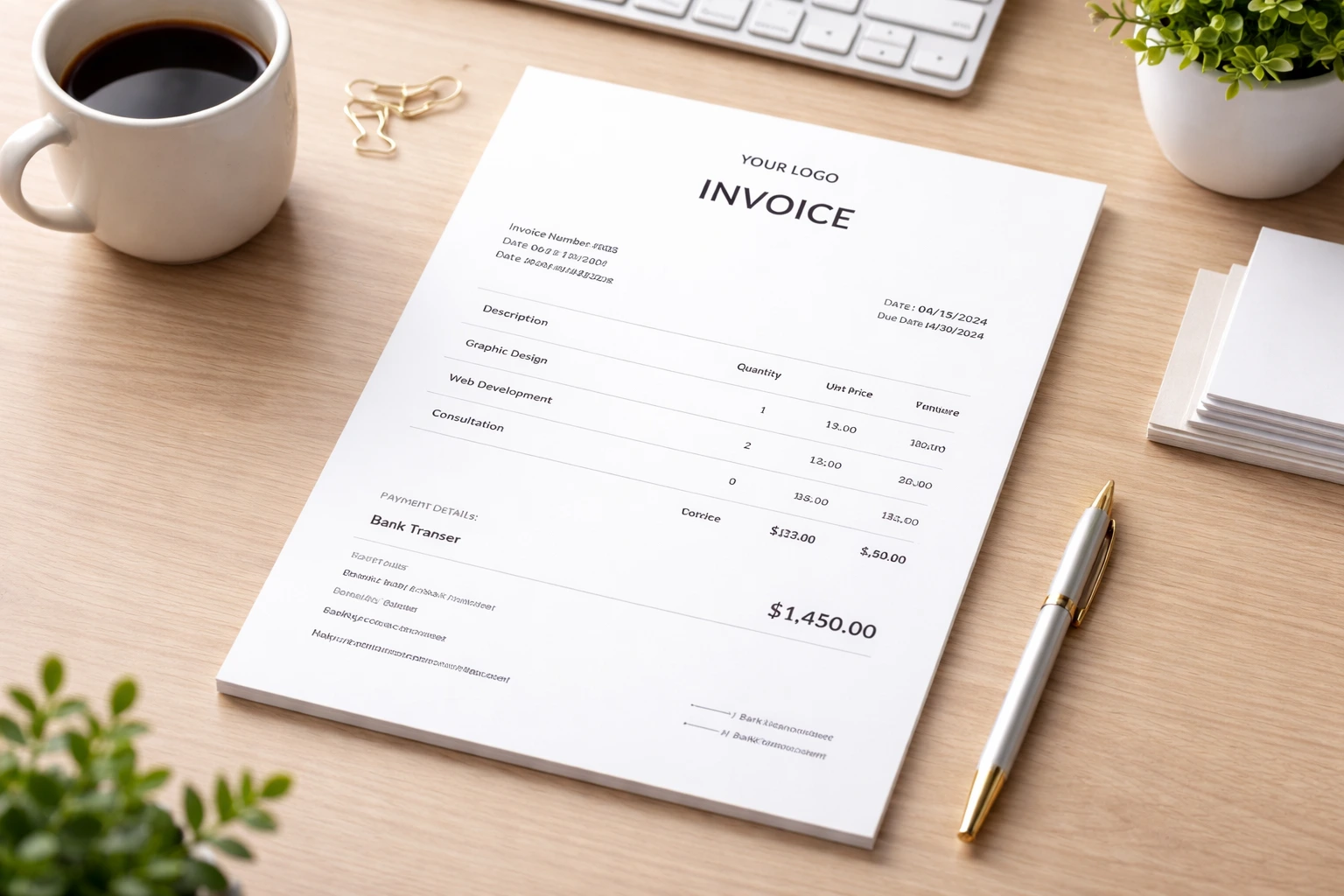
Best for: Consultants, freelancers, writers
Features:
- Simple layout
- Black & white theme
- Focus on clarity
- Easy to edit
Perfect if you like a no-distraction look.
2. Modern Blue Corporate Invoice
Best for: Agencies, marketing firms
Features:
- Bold header
- Highlighted total section
- Professional vibe
Looks structured and corporate.
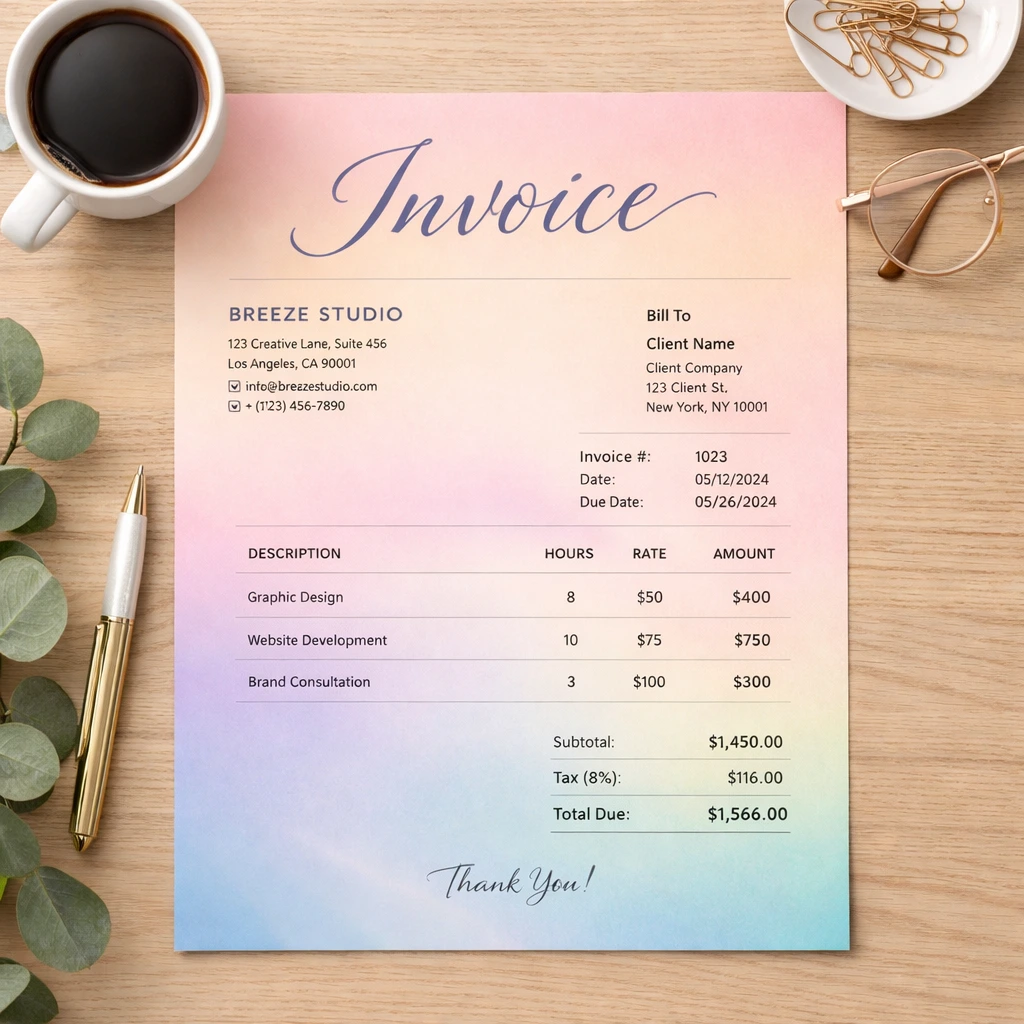
3. Creative Gradient Invoice
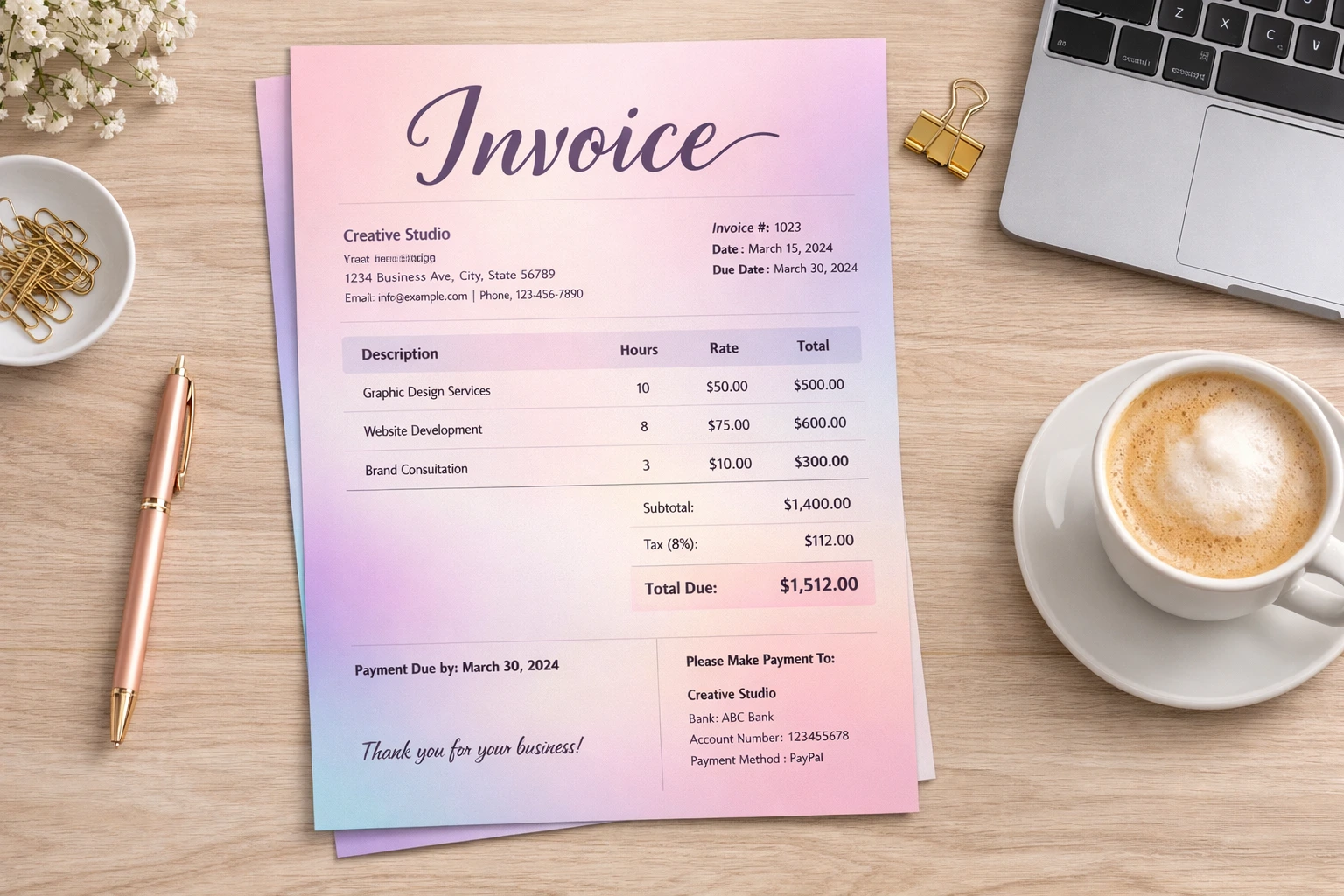
Best for: Designers, photographers
Features:
- Creative color blend
- Modern design
- Stylish fonts
Makes your brand look artistic.
4. Black & Gold Luxury Invoice
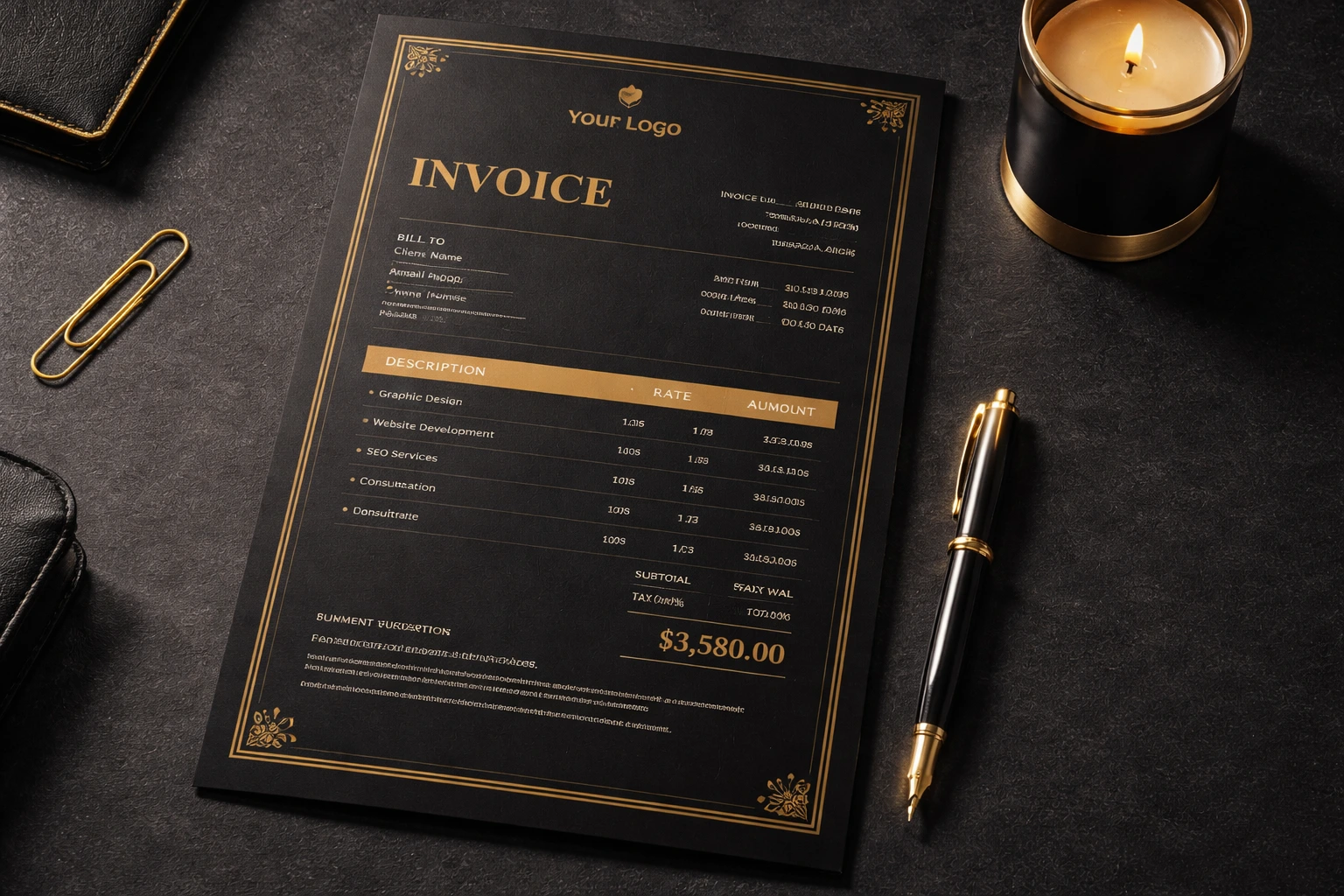
Best for: Luxury brands, event planners
Features:
- Premium look
- Elegant typography
- High-end design
Perfect for upscale services.
5. Soft Pastel Service Invoice
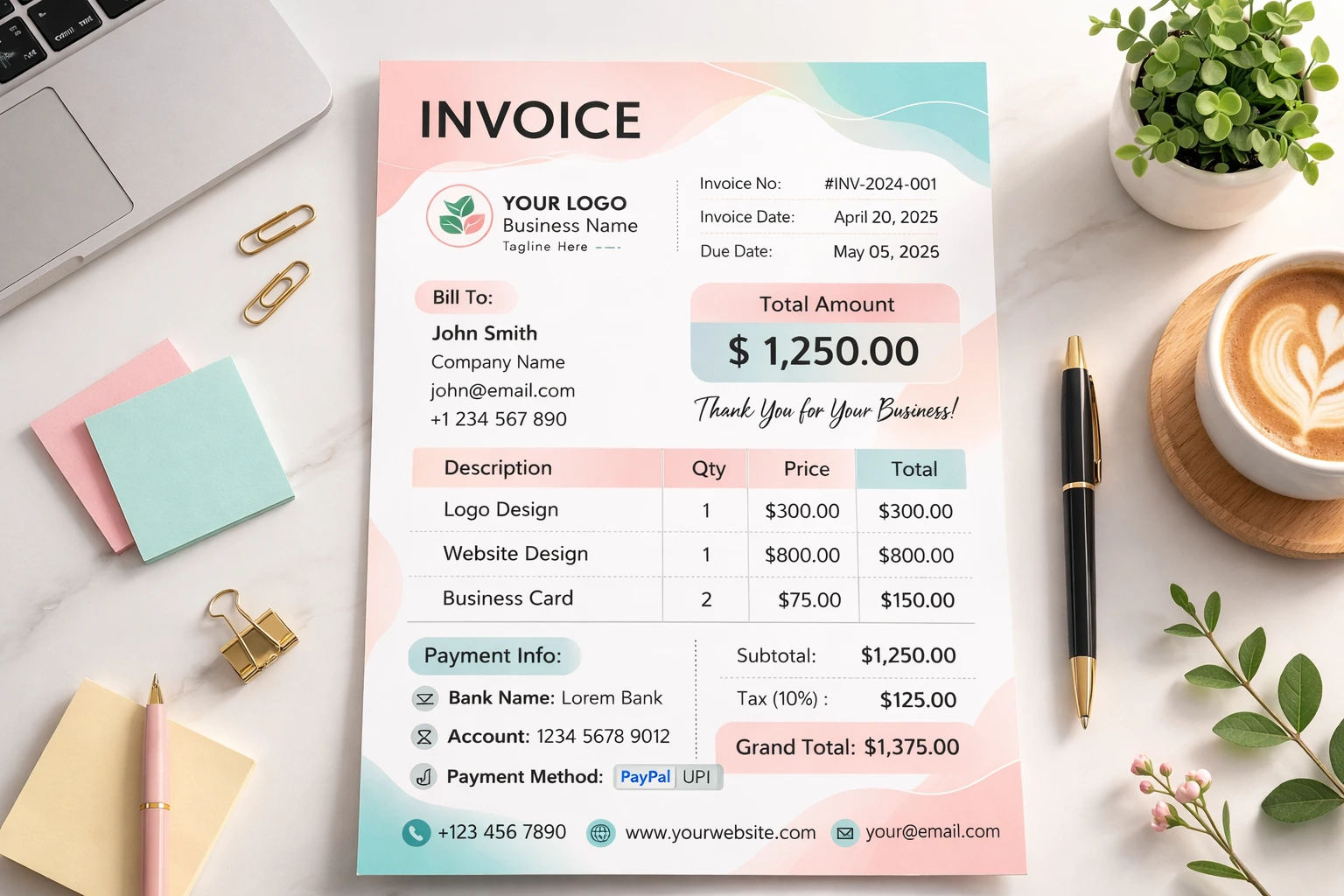
Best for: Salon, spa, beauty businesses
Features:
- Friendly look
- Soft tones
- Clean item section
Gives a welcoming feel.
6. Bold Startup Invoice Template
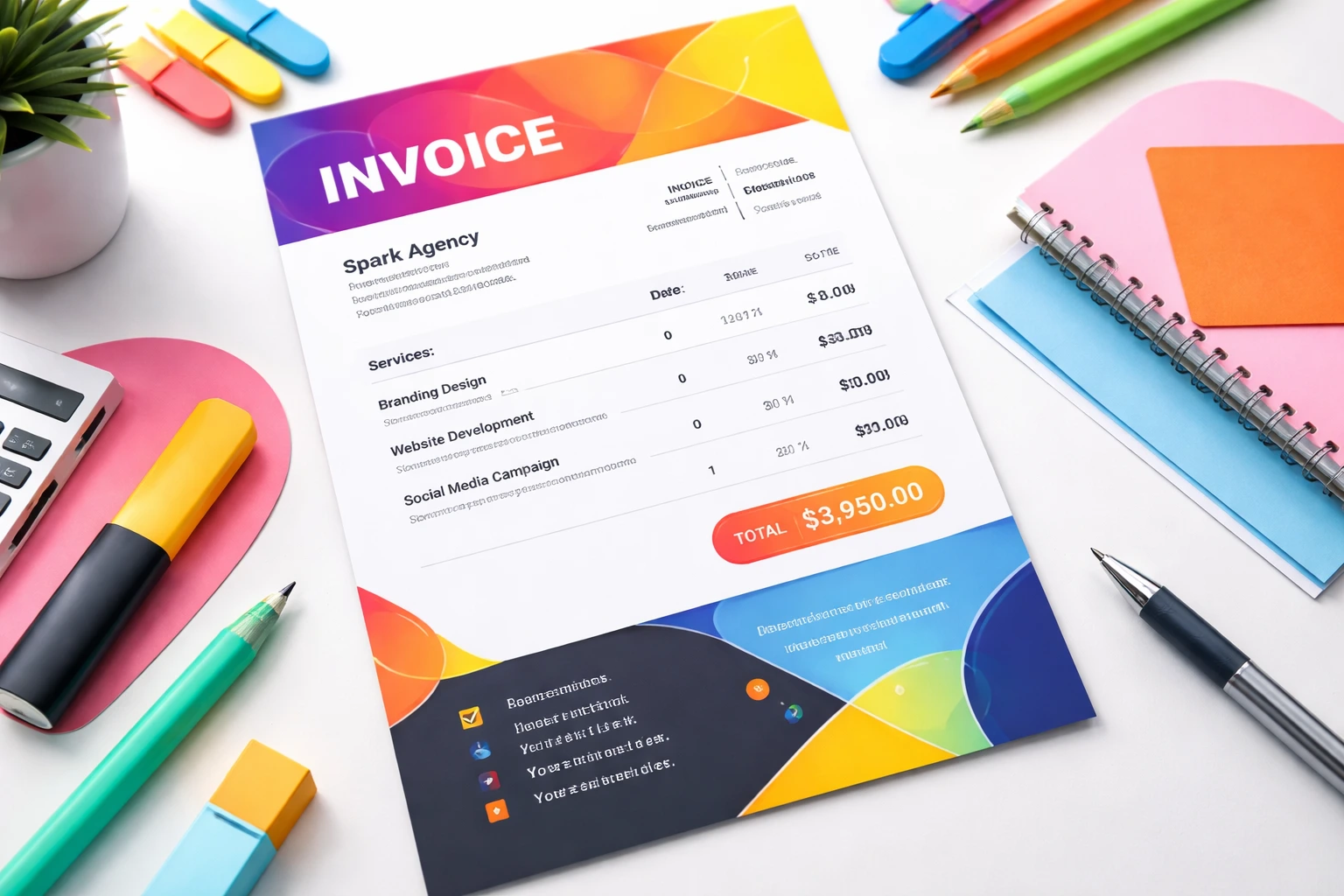
Best for: Startups, tech founders
Features:
- Energetic colors
- Modern structure
- Clear totals section
Strong and confident look.
7. Simple Freelancer Invoice
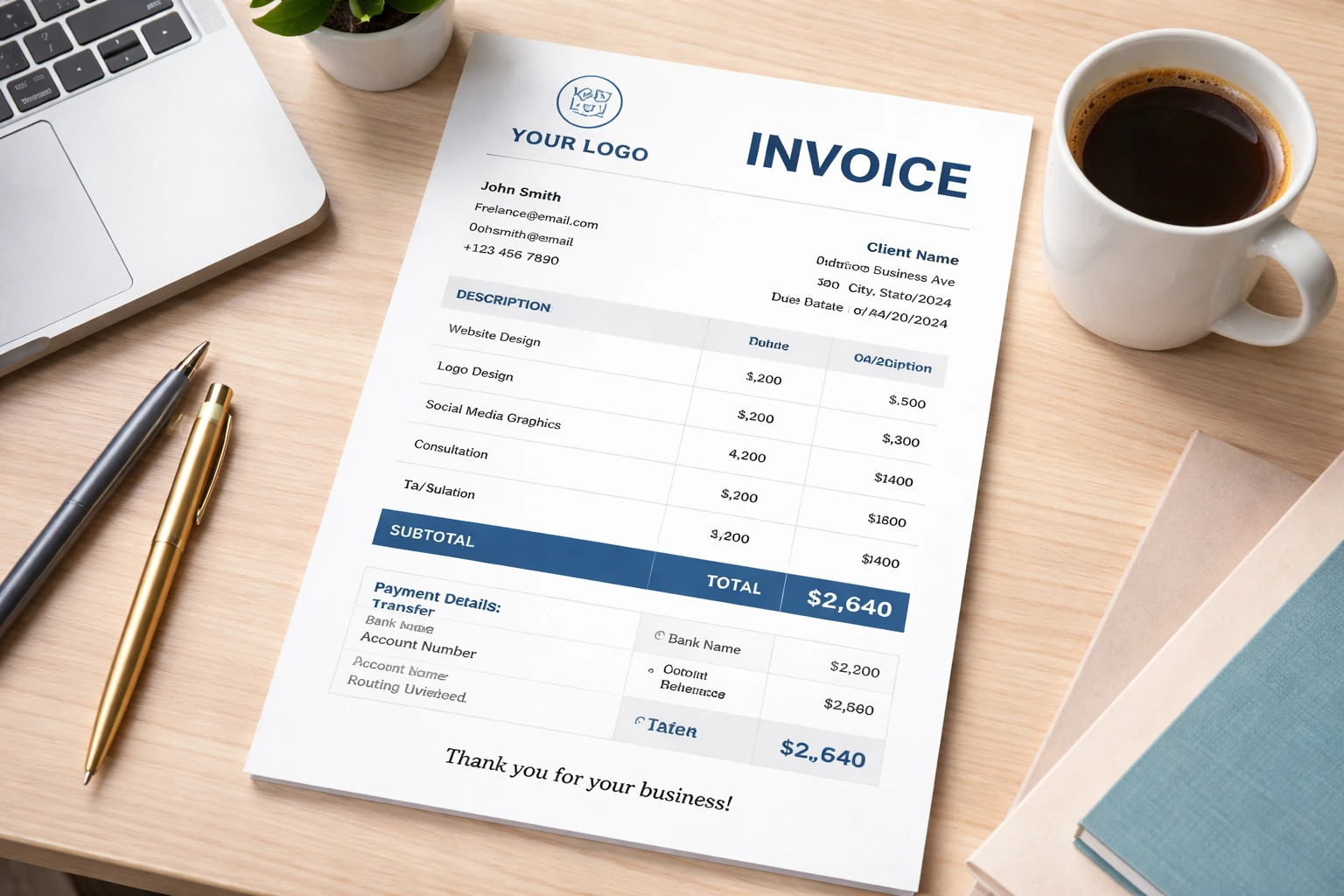
Best for: Solo freelancers
Features:
- Clear service listing
- Easy tax section
- Payment instructions area
Very practical design.
8. Photography Invoice Template
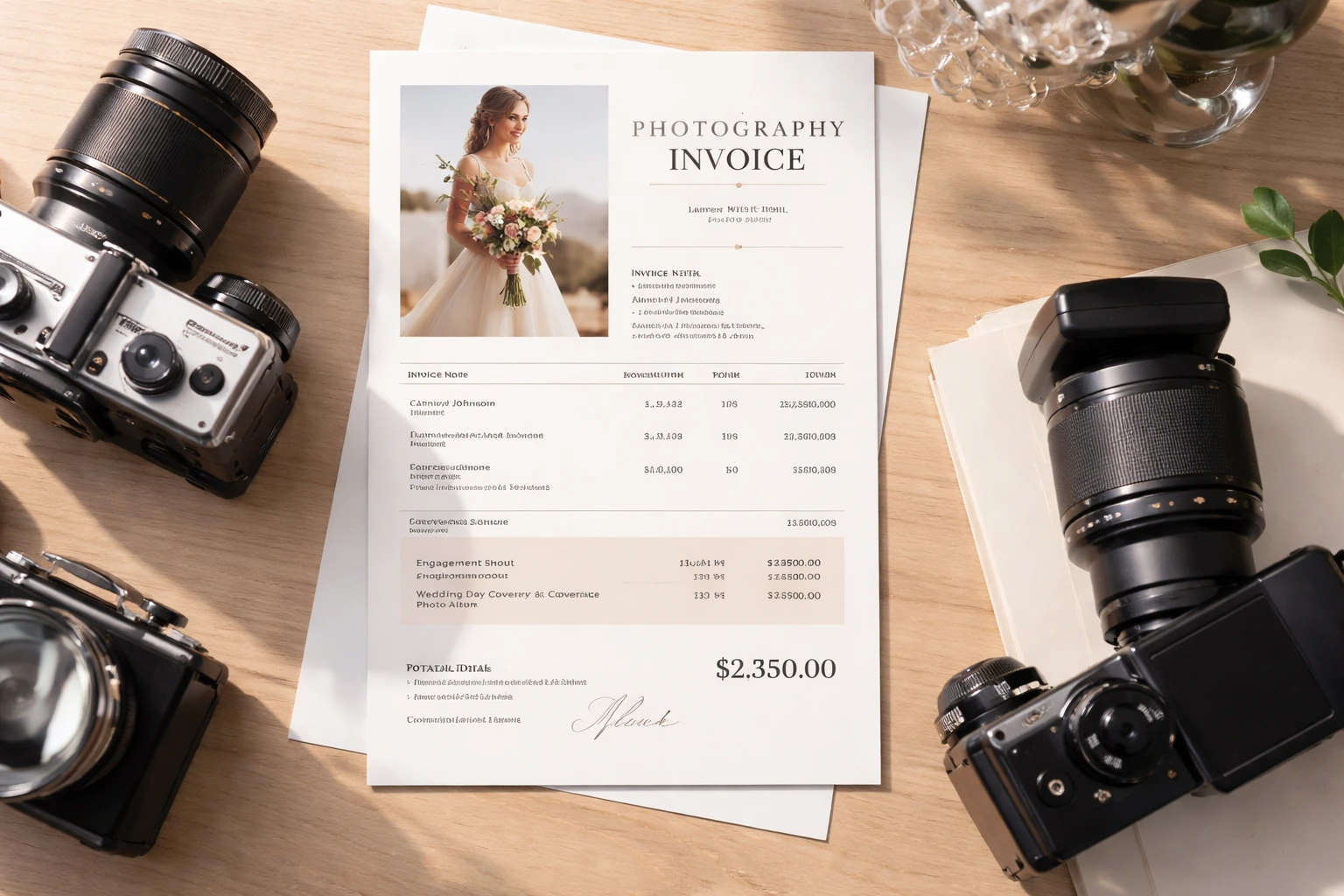
Best for: Photographers
Features:
- Image section
- Event details
- Package breakdown
Professional and stylish.
9. Social Media Manager Invoice
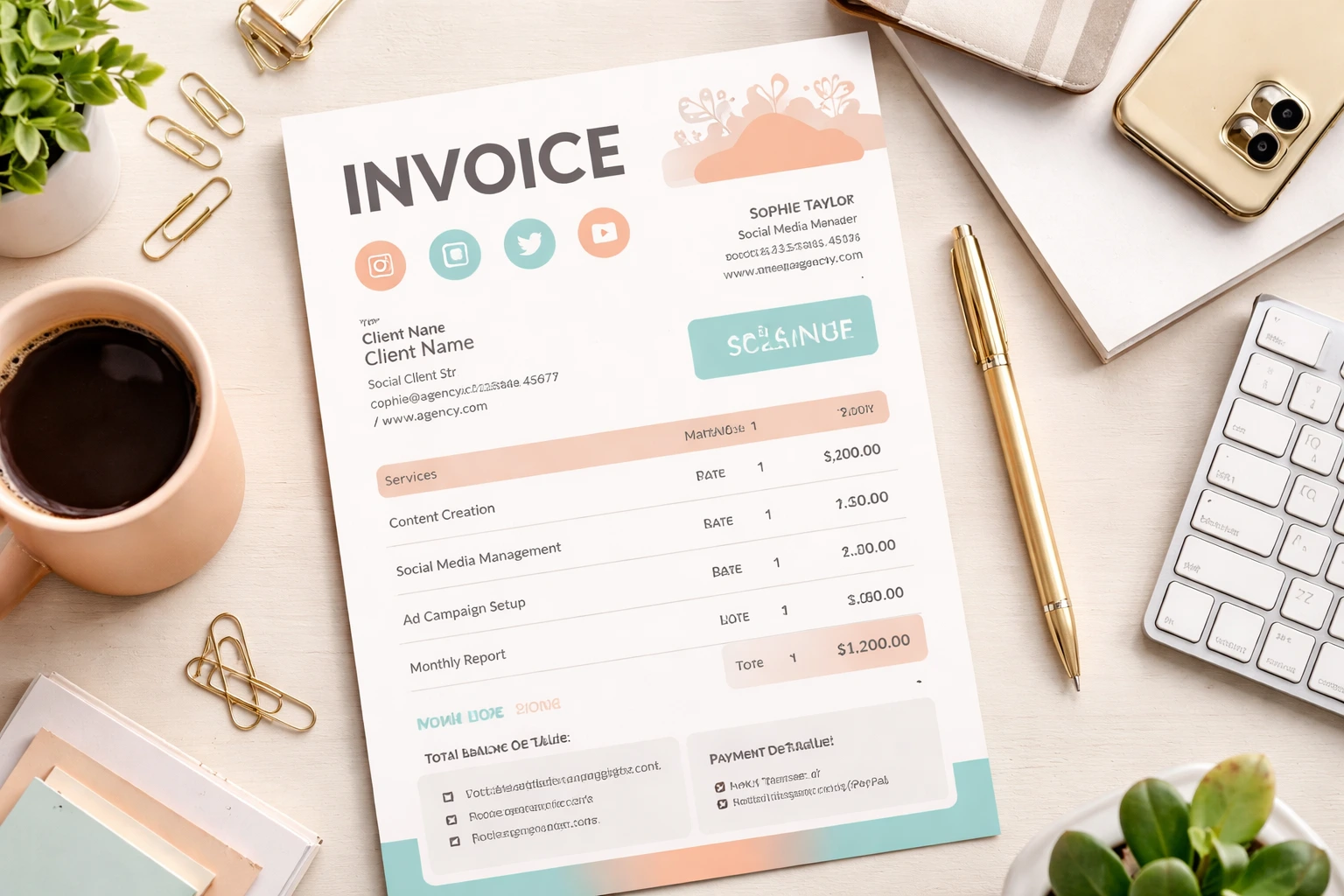
Best for: Social media managers
Features:
- Monthly package section
- Campaign details
- Digital-friendly layout
Looks modern and digital-focused.
10. Construction Service Invoice
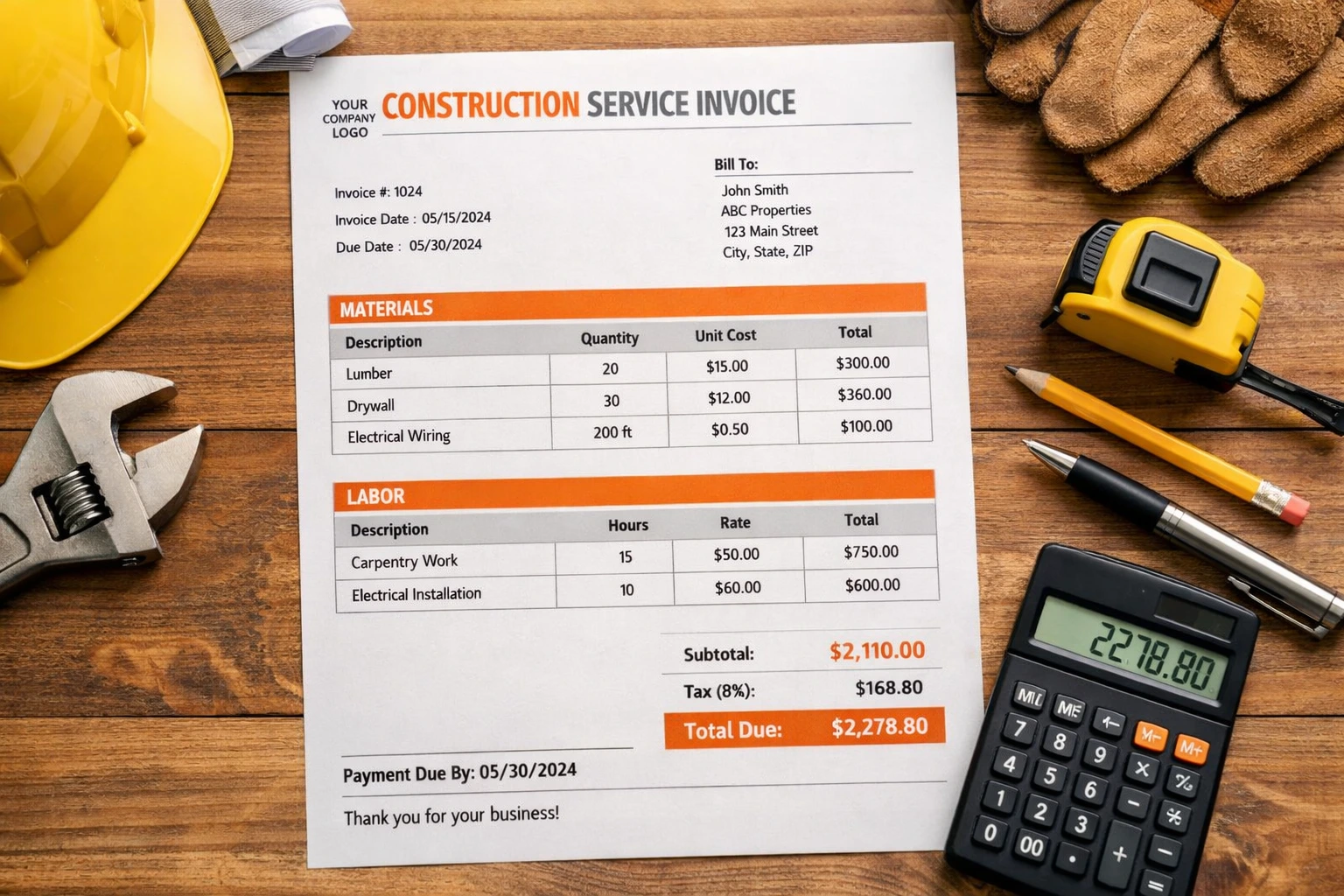
Best for: Contractors
Features:
- Material & labor breakdown
- Tax calculation section
- Clear due date
Very structured and detailed.
11. Consulting Business Invoice
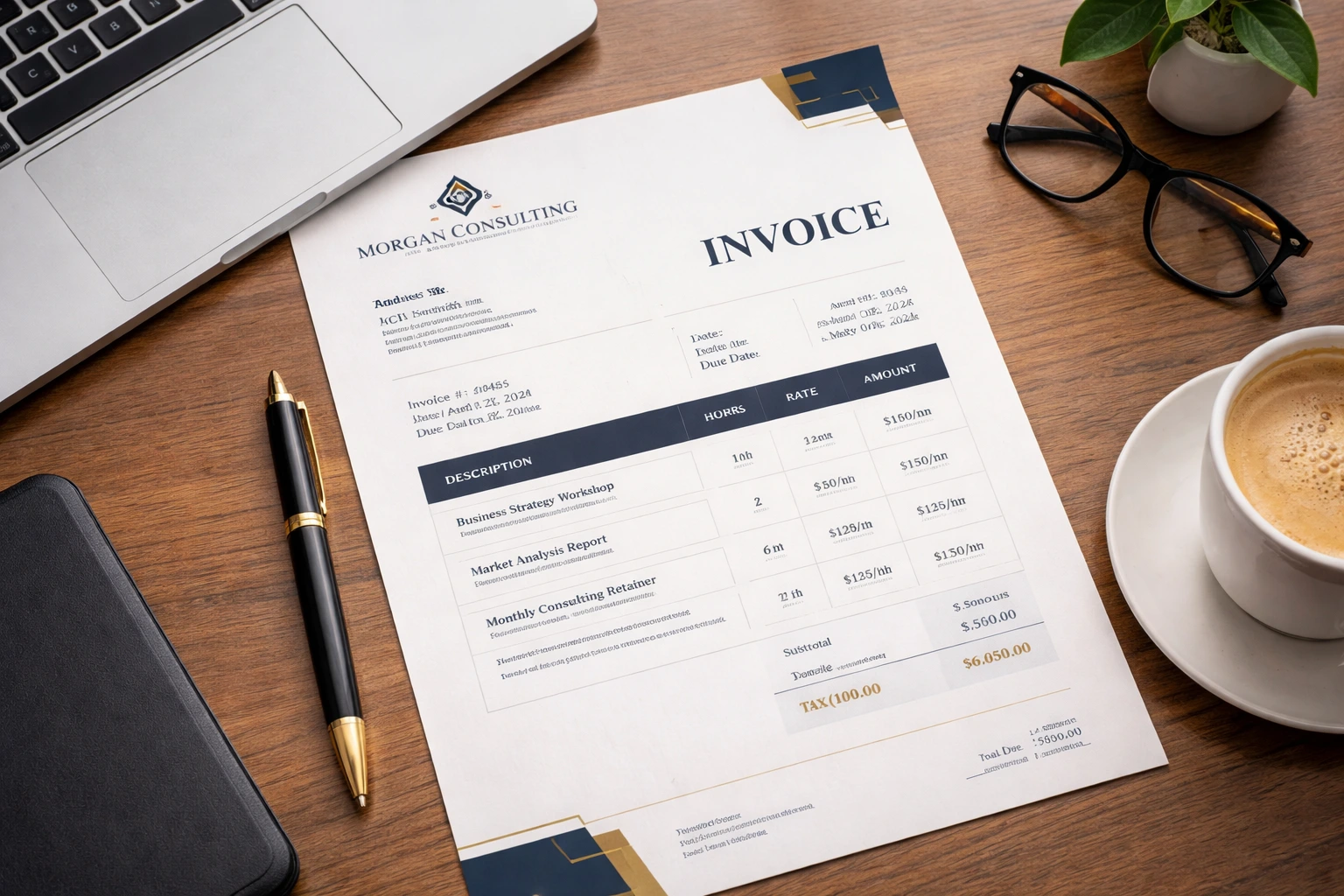
Best for: Business consultants
Features:
- Hourly breakdown
- Professional formatting
- Clean header
Simple yet powerful.
12. eCommerce Sales Invoice
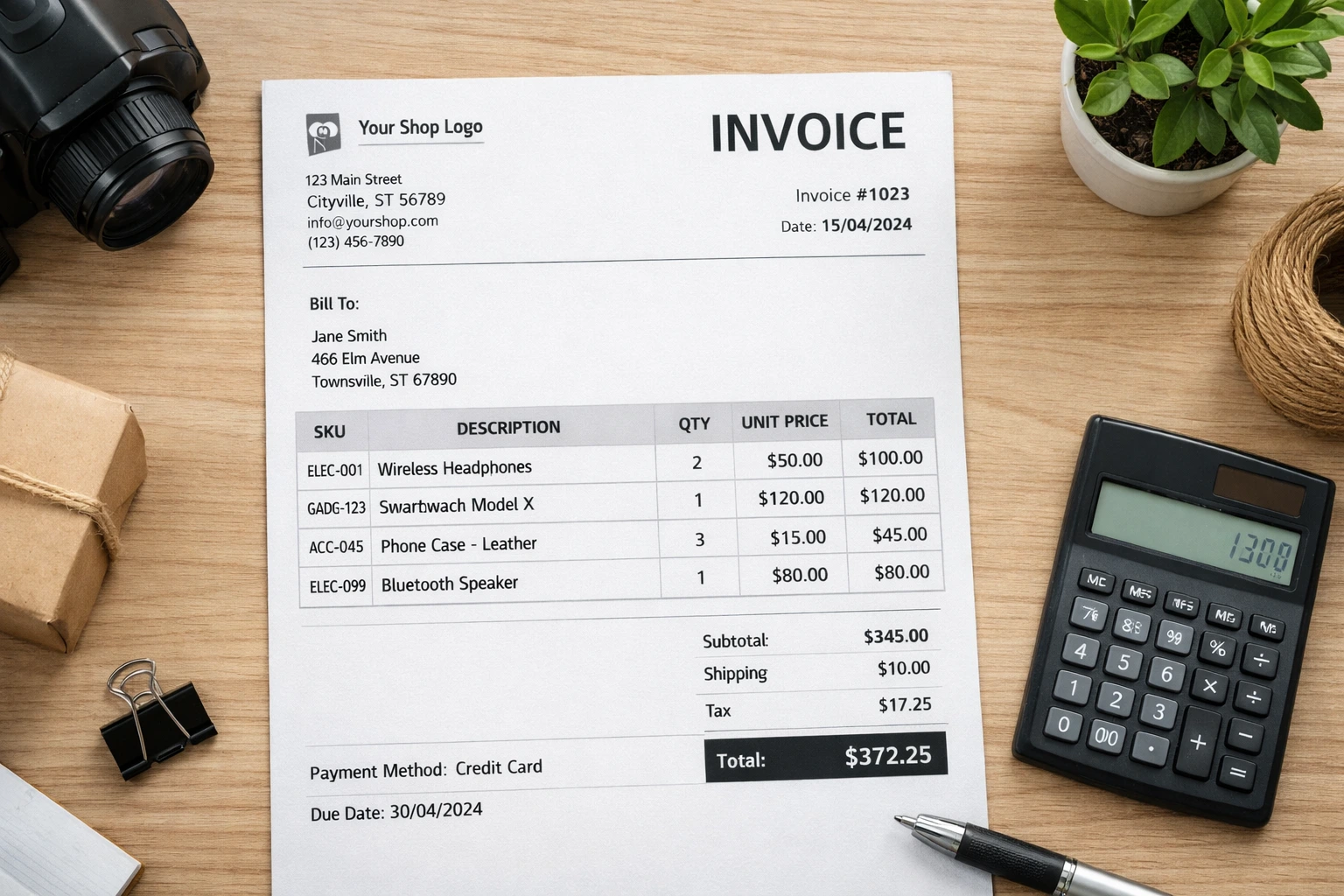
Best for: Online sellers
Features:
- Product code section
- Shipping line
- Payment method area
Great for small online stores.
13. Subscription Invoice Template
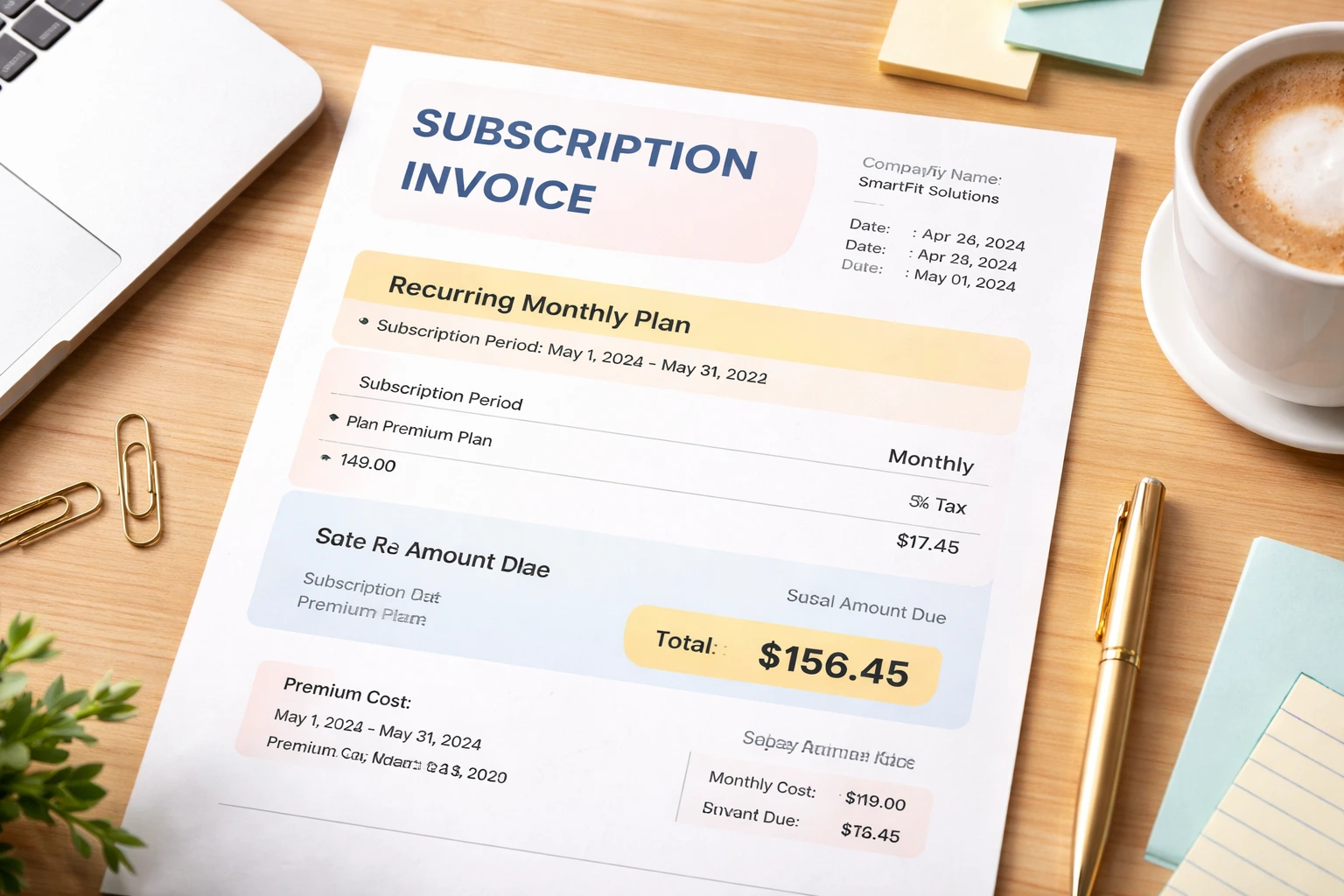
Best for: Membership or subscription services
Features:
- Recurring period
- Plan details
- Auto-renew info
Clear for monthly billing.
14. Elegant Serif Typography Invoice
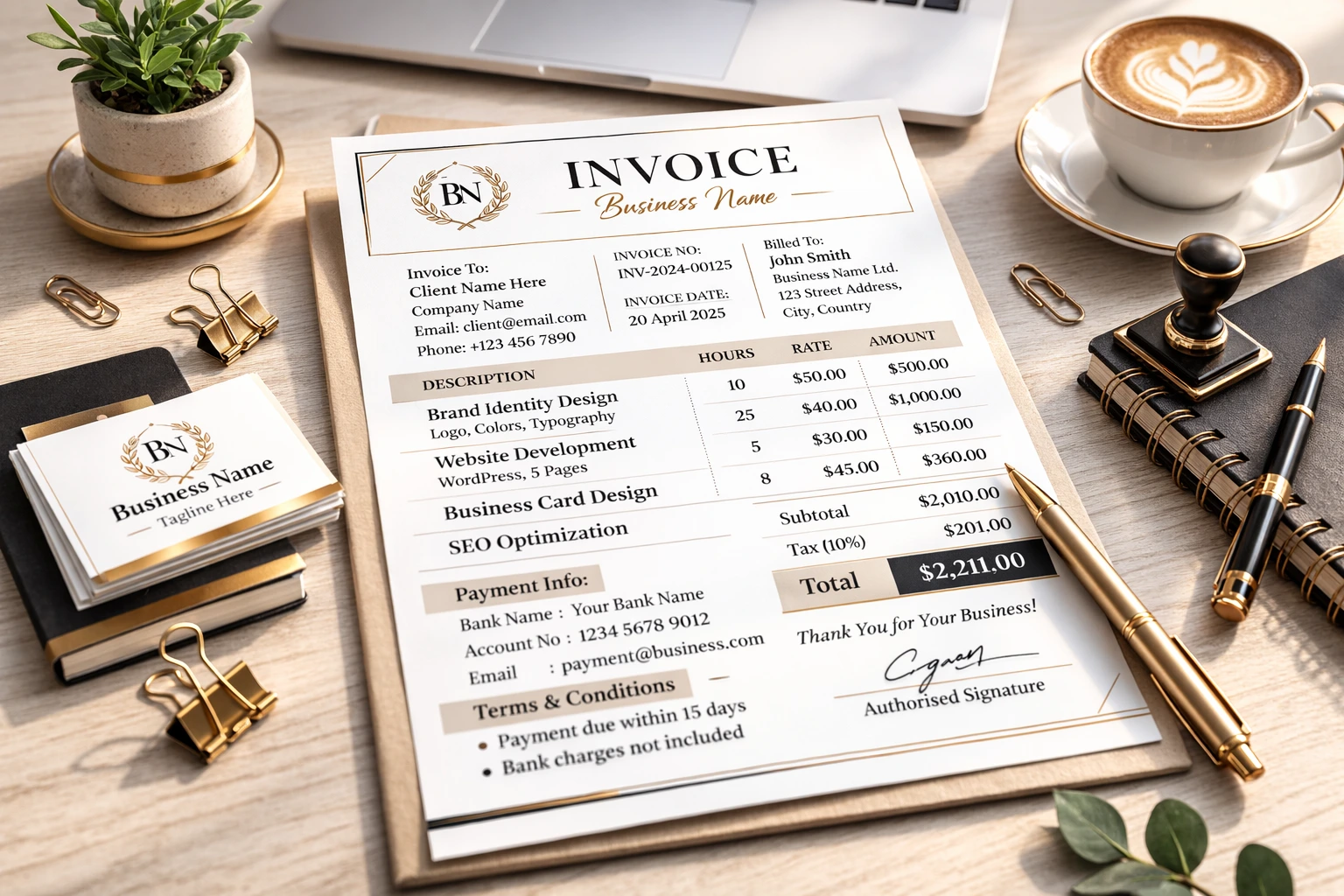
Best for: Personal brands
Features:
- Stylish fonts
- Balanced spacing
- Sophisticated feel
Very aesthetic design.
15. Color-Blocked Modern Invoice
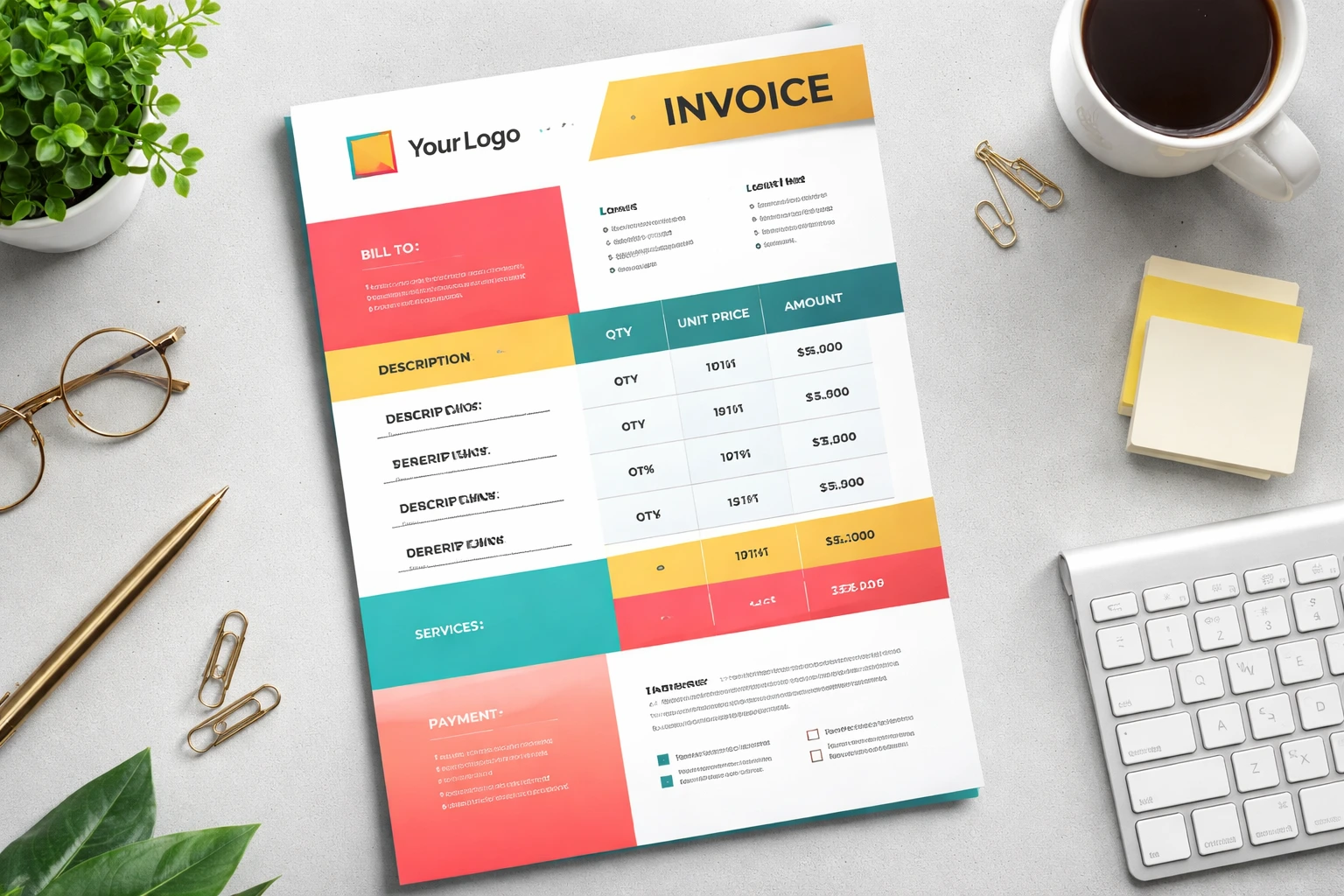
Best for: Creative startups
Features:
- Section separation
- Bold accents
- Easy-to-read layout
Makes important info stand out.
How to Use Invoice Template Canva (Step-by-Step)
- Open Canva.com
- Search “Invoice Template”
- Choose your preferred design
- Click “Customize this template”
- Add your logo
- Enter business details
- Update service items and pricing
- Add payment method
- Download as PDF
- Send to client
That’s it.
No design skills needed.
Comparison: Free vs Paid Canva Invoice Templates
| Feature | Free Templates | Paid Templates |
|---|---|---|
| Basic Designs | Yes | Yes |
| Premium Fonts | Limited | Full Access |
| Advanced Layout | Limited | More Options |
| Brand Kit Access | No | Yes |
| Export Quality | Standard | High |
Before vs After Using Canva Invoice
Before:
Plain Word file.
No branding.
Confusing layout.
After:
Branded PDF.
Clear structure.
Professional look.
Huge difference in perception.
Benefits of Using Invoice Template Canva
- Easy customization
- No design skills required
- Professional layouts
- Saves time
- Improves brand image
- Clear payment breakdown
- Faster client payments
- Download as PDF
- Accessible online
Simple and effective.
Related Resources
If you are building your brand materials, you may also like:
- Our guide on Top 12 Canva Business Card Templates for Modern Brands
- Explore our Editable Canva Templates
- Read our tutorial on Canva vs PSD Templates – Which One Should You Choose?
For accounting compliance guidance, you can check:
- IRS official invoicing record requirements: https://www.irs.gov
- Small Business Administration guide: https://www.sba.gov
Is Canva Trusted?
✔ Used by thousands of small businesses worldwide
✔ Canva is trusted by over 100M+ users
✔ Templates reviewed for clarity and structure
✔ Suitable for freelancers and startups
✔ Easy PDF export for professional billing
Frequently Asked Questions (FAQs)
1. Is Canva invoice template free?
Yes. Canva offers free invoice templates. Some premium designs require a Pro subscription.
2. Can I add my logo to Canva invoice templates?
Yes. You can upload your logo and place it anywhere on the invoice.
3. Are Canva invoices legally valid?
Yes. As long as they include required details like business name, date, invoice number, services, and total amount.
4. Can I download invoice template Canva as PDF?
Yes. You can export as PDF standard or PDF print.
5. Is Canva better than Word for invoices?
For design and branding, yes. For accounting automation, no.
6. Can I create recurring invoices in Canva?
You can duplicate templates manually. It does not automate recurring billing.
7. What should an invoice include?
- Business name
- Client details
- Invoice number
- Date
- Service breakdown
- Total amount
- Payment method
- Due date
8. Can I edit invoice templates on mobile?
Yes. Canva mobile app allows editing and downloading.
9. Do Canva invoices calculate totals automatically?
No. You need to manually enter totals.
10. Which Canva invoice design is best for freelancers?
Minimal clean white or simple freelancer invoice works best.
Conclusion
A professional invoice builds trust.
Using the right invoice template Canva design helps you look organized, credible, and serious about your business.
It saves time.
It improves brand image.
It helps you get paid faster.
Choose a design that matches your brand style. Customize it. Download it. Send it.
Start using Canva invoice templates today and upgrade your billing process.
Leave a Reply