
Introduction
Creating social media content every day is hard, especially when you are short on time, ideas, or design skills. Most creators and small businesses struggle to stay consistent because designing posts, stories, and reels takes effort.
This is where free AI designer apps come in. These tools help you create social media graphics, videos, and captions in minutes instead of hours. You do not need to be a designer. You just describe what you want, and the tool does the work.
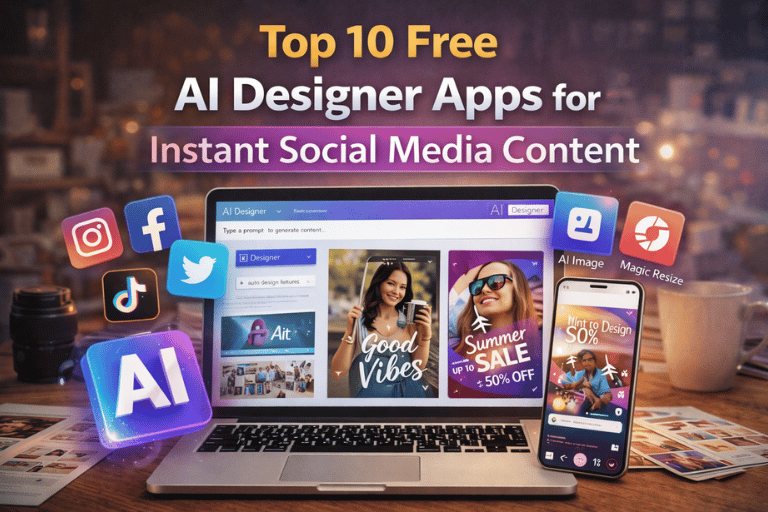
In this guide, I will walk you through the top 10 free AI designer apps for instant social media content. These tools are practical, beginner friendly, and widely used by creators, freelancers, and businesses who want results without complexity.
Why AI Designer Apps Are Popular for Social Media
Social media moves fast.
AI designer apps help you keep up by automating design, layout, and sometimes even copywriting.
They are popular because they save time, reduce costs, and make content creation accessible to everyone.
Top 10 Free AI Designer Apps for Social Media
1. Canva AI
Canva AI is one of the most widely used tools for social media design.
It offers AI-powered design suggestions, text-to-image features, and ready-made templates for posts, stories, and reels.
Why it works well:
- Beginner friendly
- Large template library
- Free plan is very usable
2. Adobe Express
Adobe Express brings Adobe power in a simplified form.
It includes AI-assisted layouts, quick resizing, and social media templates.
This tool is ideal if you want clean and professional designs without learning Photoshop.
3. VistaCreate
VistaCreate focuses heavily on social media visuals.
It offers animated templates, AI layout suggestions, and drag-and-drop editing.
Many creators use it as a Canva alternative.
4. Fotor AI
Fotor combines design and photo editing with AI.
It helps generate social media graphics, enhance images, and apply smart effects quickly.
This tool is useful for creators who rely on visuals and photos.
5. Designs.ai
Designs.ai is an AI-driven design suite.
It can generate social posts, logos, and banners by understanding your brand inputs.
It is especially helpful for businesses that want consistency across platforms.
6. Simplified
Simplified is built for fast content creation.
It includes AI design, AI copywriting, and social scheduling in one place.
This makes it useful for creators managing multiple accounts.
7. Snappa
Snappa focuses on speed and simplicity.
It provides ready-to-use templates for social media posts, ads, and headers.
This tool is great if you want quick designs without distractions.
8. PicsArt AI
PicsArt is popular among mobile creators.
Its AI features help generate visuals, remove backgrounds, and apply creative effects.
It works well for Instagram and short-form content.
9. Lumen5
Lumen5 is designed for turning text into video.
You can convert blog content or captions into short social videos using AI.
This is useful for repurposing content across platforms.
10. Microsoft Designer
Microsoft Designer uses AI to create social graphics from simple prompts.
You describe your post, and it generates design options instantly.
It integrates well with other Microsoft tools.
How Creators Use These Tools Faster
Many creators do not design everything from scratch.
They combine AI tools with ready-made templates and bundles to stay consistent.
For example, using pre-designed Canva templates or reels bundles speeds up daily posting.
You can explore ready-to-use digital assets here:
https://pixbundle.com/shop
Top 10 Canva Tools for Instagram Reels
https://pixbundle.com/blog/top-10-canva-tools-for-instagram-reels
Common Mistakes When Using AI Designer Apps
- Relying only on AI without branding
- Overusing templates without customization
- Ignoring platform-specific formats
- Posting without testing performance
Using AI wisely produces better results.
FAQs
Are AI designer apps really free
Most tools offer free plans with limited features that are enough for beginners.
Can these tools replace a designer
They help with speed, but custom branding still benefits from human input.
Are AI designs safe for commercial use
Always check licensing terms before using designs for business.
Which tool is best for Instagram
Canva and PicsArt are popular choices.
Can beginners use these apps
Yes. These tools are designed for non-designers.
Do AI tools help with captions
Some tools like Simplified include AI copy features.
Can I sell designs made with AI tools
This depends on each platform’s license.
Are these tools good for small businesses
Yes. They reduce cost and save time.
Conclusion
Free AI designer apps make social media content creation faster and easier than ever.
They remove technical barriers and help you focus on ideas and consistency.
If you want to speed things up even more, use AI tools with ready-made digital bundles.
Explore professionally curated digital products at Pixbundle.
Create smarter. Post faster. Stay consistent.
Leave a Reply