
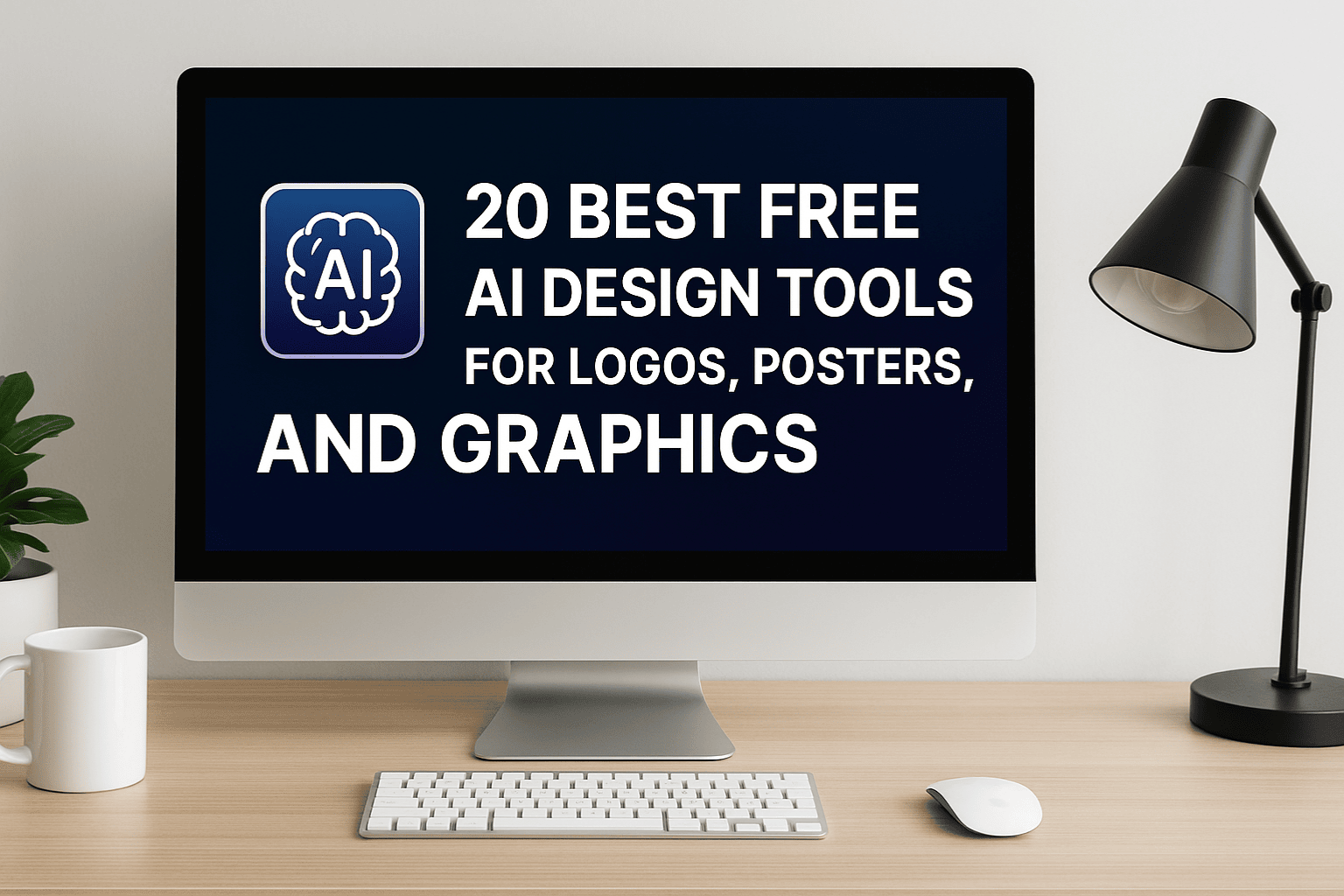
Design used to mean long hours with Photoshop or Illustrator, but times have changed. Today, even if you’re not a professional designer, you can create high-quality visuals with the help of free AI design tools. From logos and posters to social media graphics, AI makes the process faster, simpler, and in many cases, more fun.
In this guide, I’ll share the 20 best free AI design tools for logos, posters, and graphics that I’ve tested over the past few years. Whether you’re a blogger needing a quick header image, a small business owner designing a logo, or a marketer creating ad visuals, these tools will help you produce professional results without breaking the bank.
Why Use Free AI Design Tools?
After working in design and marketing for over 10 years, I’ve noticed that the biggest hurdle for non-designers is the learning curve. Traditional tools are powerful but not beginner-friendly. AI design tools, on the other hand, do most of the heavy lifting:
- They suggest ideas when you’re stuck.
- They automate tedious tasks like background removal.
- They save time, letting you focus on creativity instead of technical skills.
- Many are free or freemium, so you can experiment without investment.
The goal here isn’t to replace designers. It’s to give everyone — from entrepreneurs to students — access to quality visuals.
1. Canva
Canva is the most popular free design tool, and for good reason. It’s user-friendly, has thousands of templates, and now integrates AI features like “Magic Design,” which generates layouts from your text prompts.
👉 Best for: Social media graphics, posters, and quick logo mockups.
2. Adobe Express (formerly Spark)
Adobe Express brings Adobe’s design expertise into a free, simplified tool. Its AI features include smart templates and one-click background removal.
👉 Best for: Polished posters and branded graphics.
3. Looka
Looka is an AI-powered logo maker that generates professional-looking logos based on your brand style and preferences. You can design for free and download low-res versions.
👉 Best for: Entrepreneurs creating their first logo.
4. Designhill Logo Maker
Designhill offers a powerful AI logo generator. It asks a few questions about your brand and instantly produces logo options.
👉 Best for: Startups wanting quick, unique logo options.
5. LogoMakr
LogoMakr is a simple online tool where you can search icons, add text, and customize colors.
👉 Best for: Simple DIY logo projects.
6. Fotor
Fotor is a free AI photo editing and design tool. It can create posters, graphics, and even AI-generated artwork.
👉 Best for: Bloggers and social media managers.
7. Vectr
Vectr is a free vector graphics editor that works in your browser. While not purely AI, it simplifies logo and graphic creation.
👉 Best for: Beginners who want scalable vector graphics.
8. Hatchful by Shopify
Hatchful is Shopify’s free AI logo maker. It’s straightforward and gives you logo files optimized for web and print.
👉 Best for: Small business owners and eCommerce stores.
9. PosterMyWall
PosterMyWall is great for creating posters, flyers, and event graphics. It has AI-powered smart templates for quick customization.
👉 Best for: Posters and event promotion.
10. Crello (VistaCreate)
VistaCreate is similar to Canva and includes AI tools for automated layouts and graphics.
👉 Best for: Posters, flyers, and branded visuals.
11. Snappa
Snappa is another beginner-friendly design tool. Its AI suggestions help you resize and adapt graphics for multiple platforms.
👉 Best for: Marketers managing multiple social media channels.
12. FreeLogoDesign
FreeLogoDesign lets you create logos instantly. AI helps suggest icons and layouts to match your brand.
👉 Best for: Quick, free logo downloads.
13. Pixlr
Pixlr is an online photo editor with AI features like auto background removal, filters, and design templates.
👉 Best for: Editing and enhancing graphics.
14. Desygner
Desygner is an easy-to-use design app with AI templates for logos, posters, and marketing materials.
👉 Best for: Small teams collaborating on graphics.
15. Renderforest
Renderforest offers AI tools for logos, videos, and websites. Its logo maker is especially good for animated logos.
👉 Best for: Businesses wanting video-ready logos.
16. Placeit by Envato
Placeit isn’t just a mockup tool — it includes AI-driven design templates for logos and posters.
👉 Best for: Realistic mockups of logos on products.
17. BeFunky
BeFunky is an AI-powered photo editor and design tool. It’s simple, quick, and offers free poster templates.
👉 Best for: Students and casual users.
18. Tailor Brands
Tailor Brands uses AI to generate logos based on your input. It also provides branding kits.
👉 Best for: Businesses that want a consistent visual identity.
19. DesignEvo
DesignEvo has over 10,000 logo templates and an AI-powered editor.
👉 Best for: Users who want lots of style options.
20. Pablo by Buffer
Pablo is a free design tool focused on creating social media graphics quickly. It includes AI-enhanced templates.
👉 Best for: Marketers scheduling posts with visuals.
Personal Tips from Experience
After trying dozens of tools, here’s what I’ve learned:
- For logos: Start with Looka, Hatchful, or FreeLogoDesign — they’re simple and surprisingly professional.
- For posters: Canva, PosterMyWall, and VistaCreate give you the most flexibility.
- For social graphics: Snappa and Pablo are great for speed.
The key is to test multiple tools. Sometimes the best design comes from combining features across platforms.
FAQs
1. Are these AI design tools really free?
Most offer free plans with limited features. For higher resolution files or branding kits, you may need to upgrade.
2. Which AI design tool is best for logos?
Looka, Hatchful, and DesignEvo are excellent free options for logo design.
3. Can I use these designs commercially?
Always check licensing. Tools like Canva and Adobe Express allow commercial use on free plans, but confirm for each platform.
4. Do I need design skills to use these tools?
Not at all. These AI tools are built for non-designers, with templates and drag-and-drop editors.
5. Which tool is best for posters?
Canva, PosterMyWall, and VistaCreate are the top picks for poster creation.
Conclusion
Creating logos, posters, and graphics doesn’t have to be complicated or expensive. With these 20 best free AI design tools for logos, posters, and graphics, anyone can produce professional-quality visuals in minutes.
If you’re just starting out, try Canva or Hatchful. If you want SEO-focused visuals, go for tools like Fotor or Snappa. And if you’re serious about branding, combine logo makers with design apps for a consistent look.
Leave a Reply